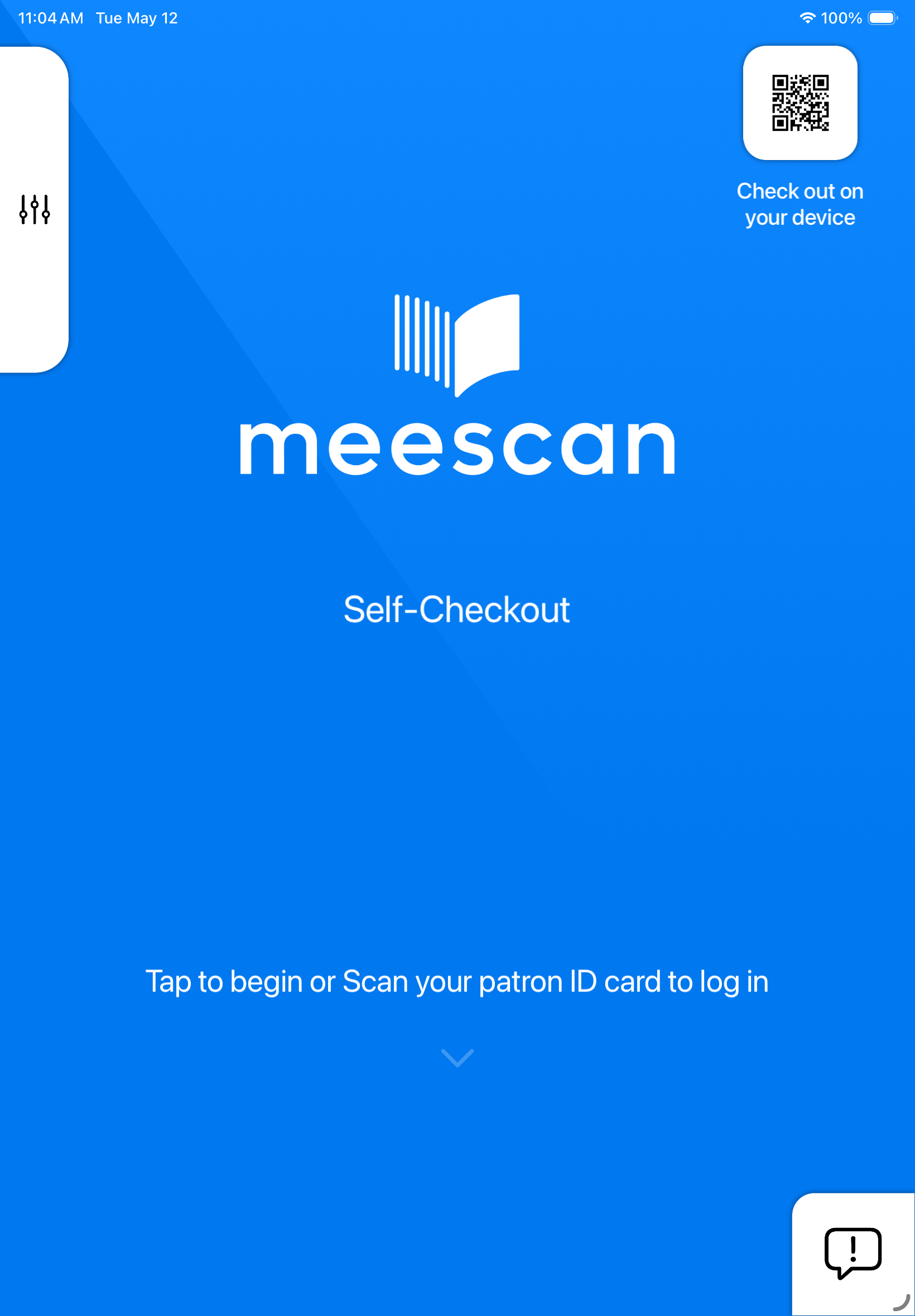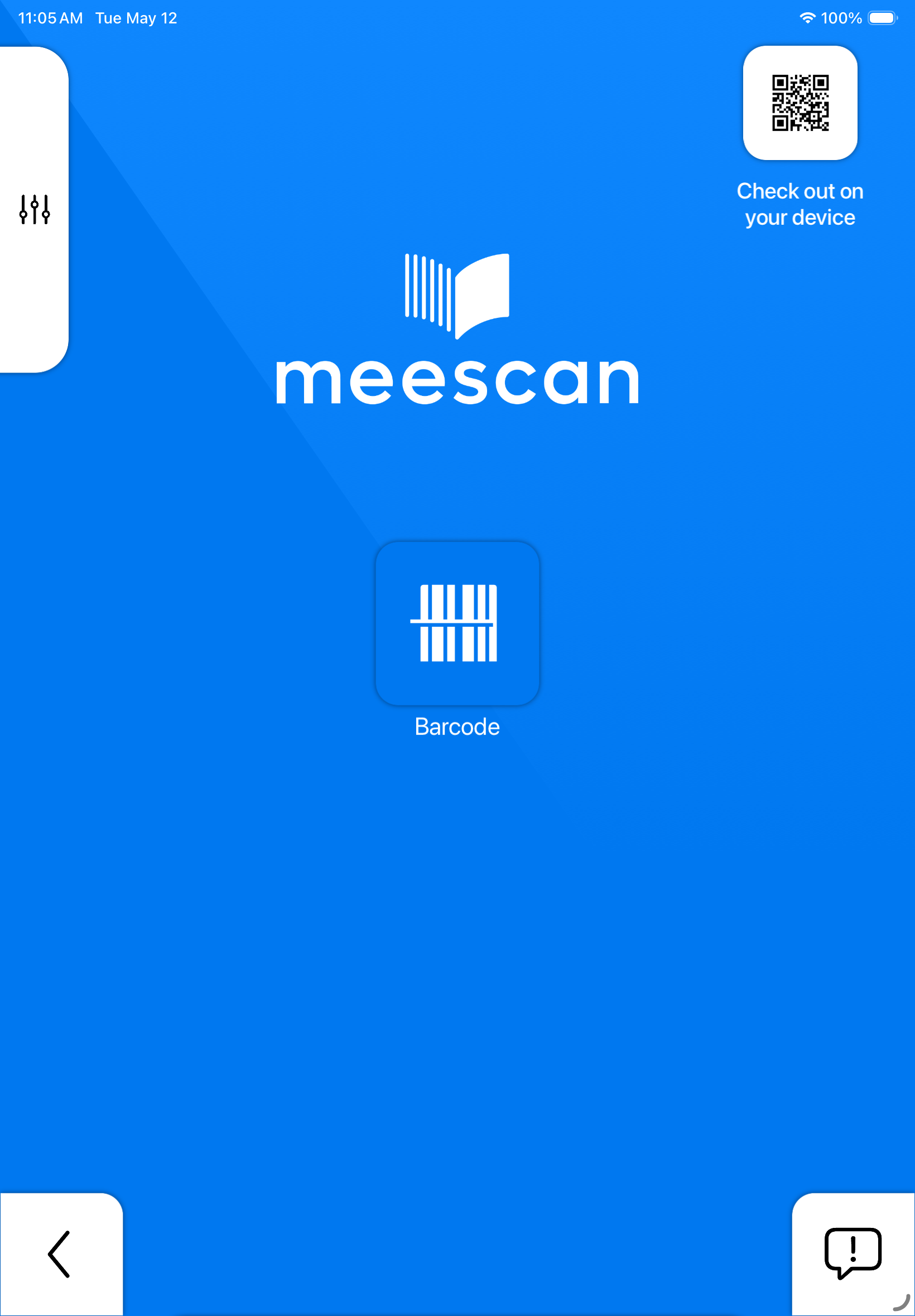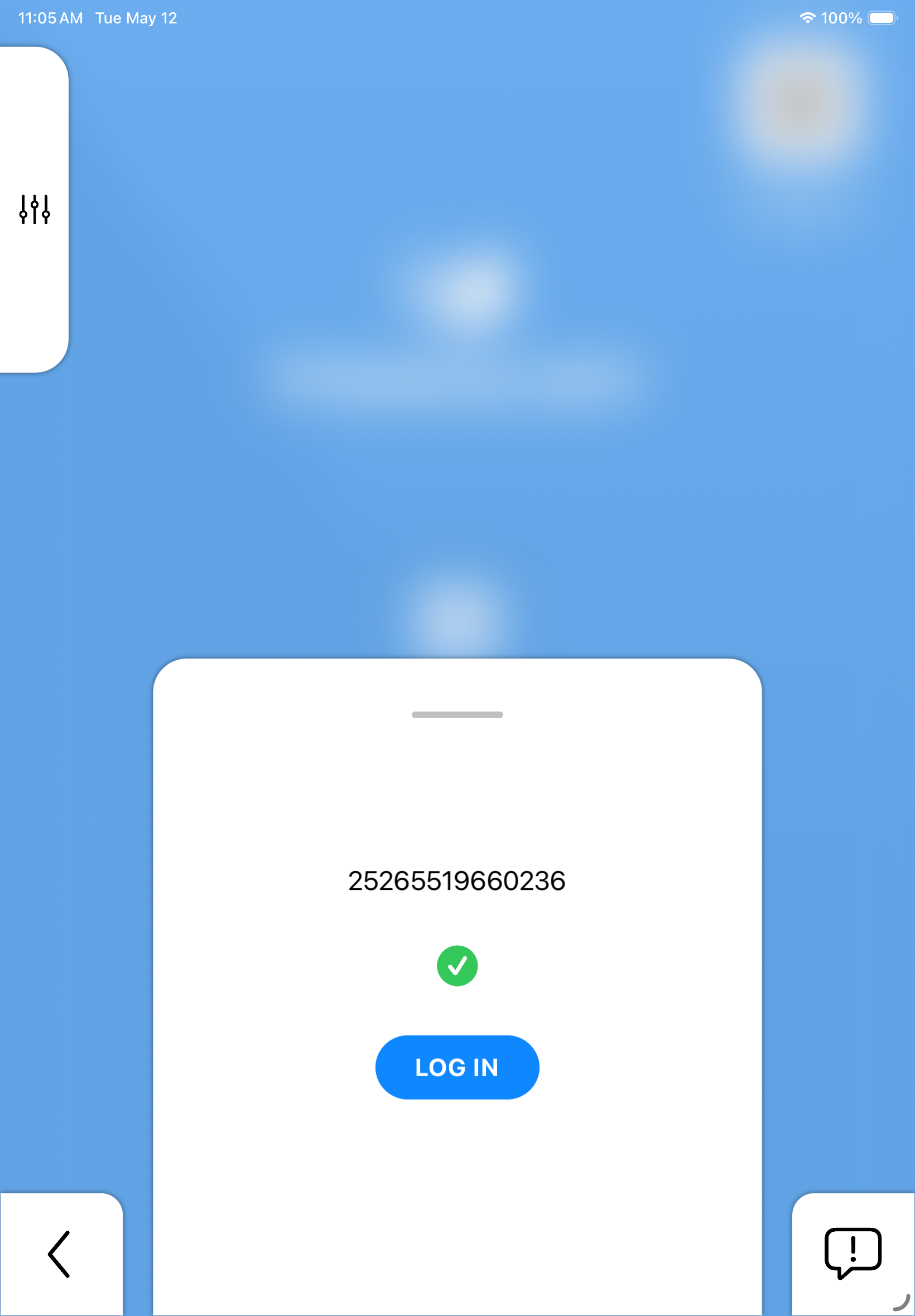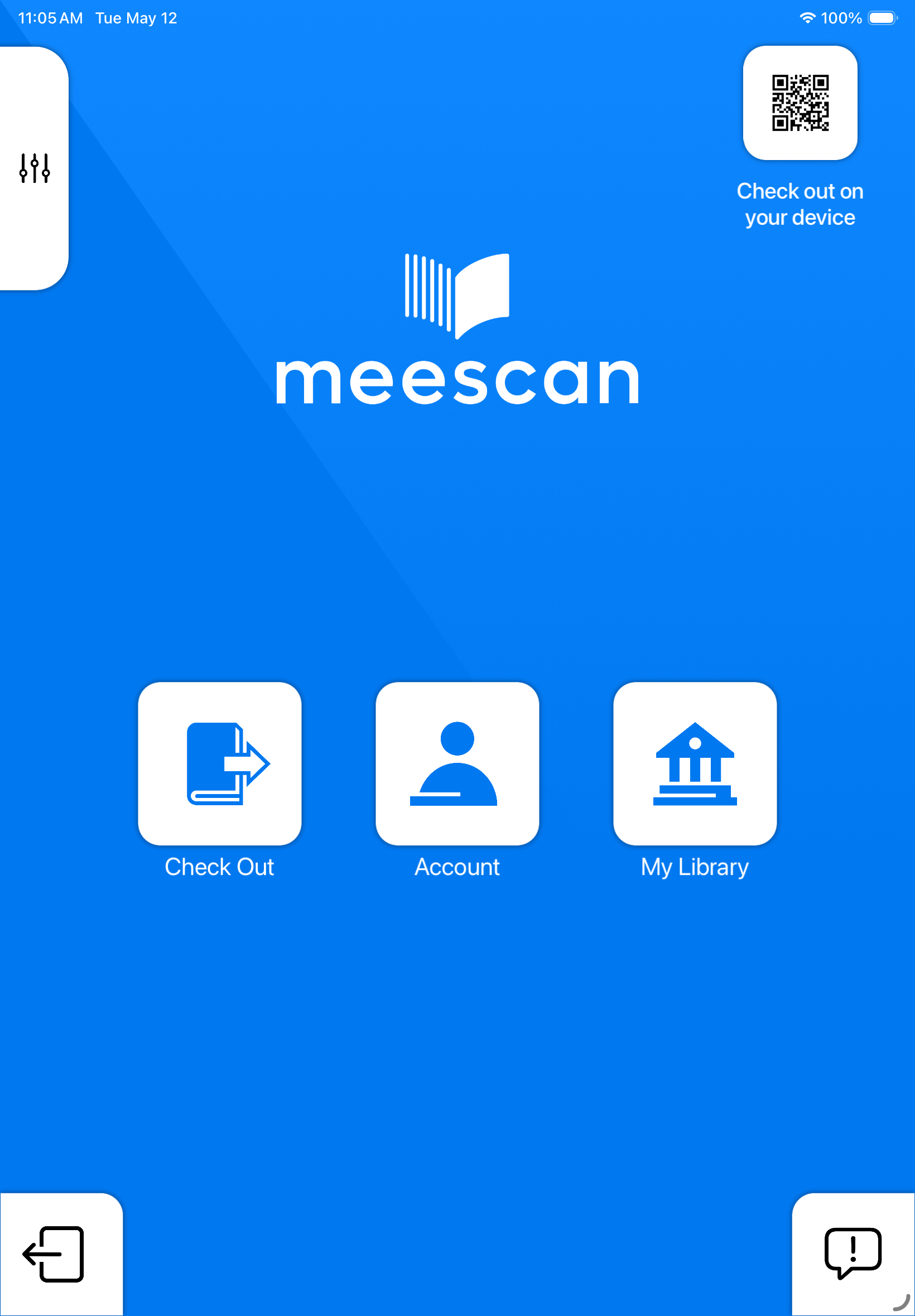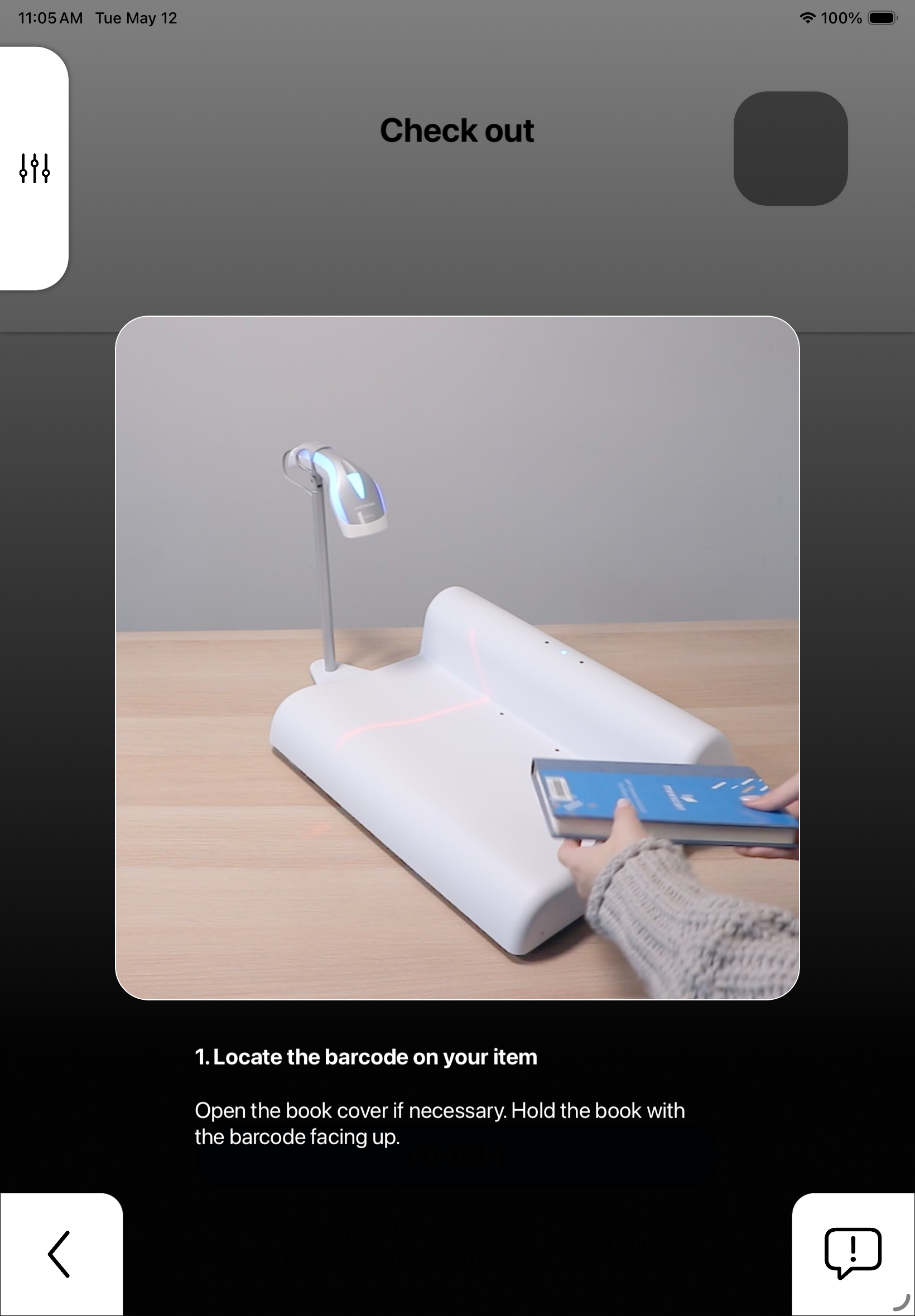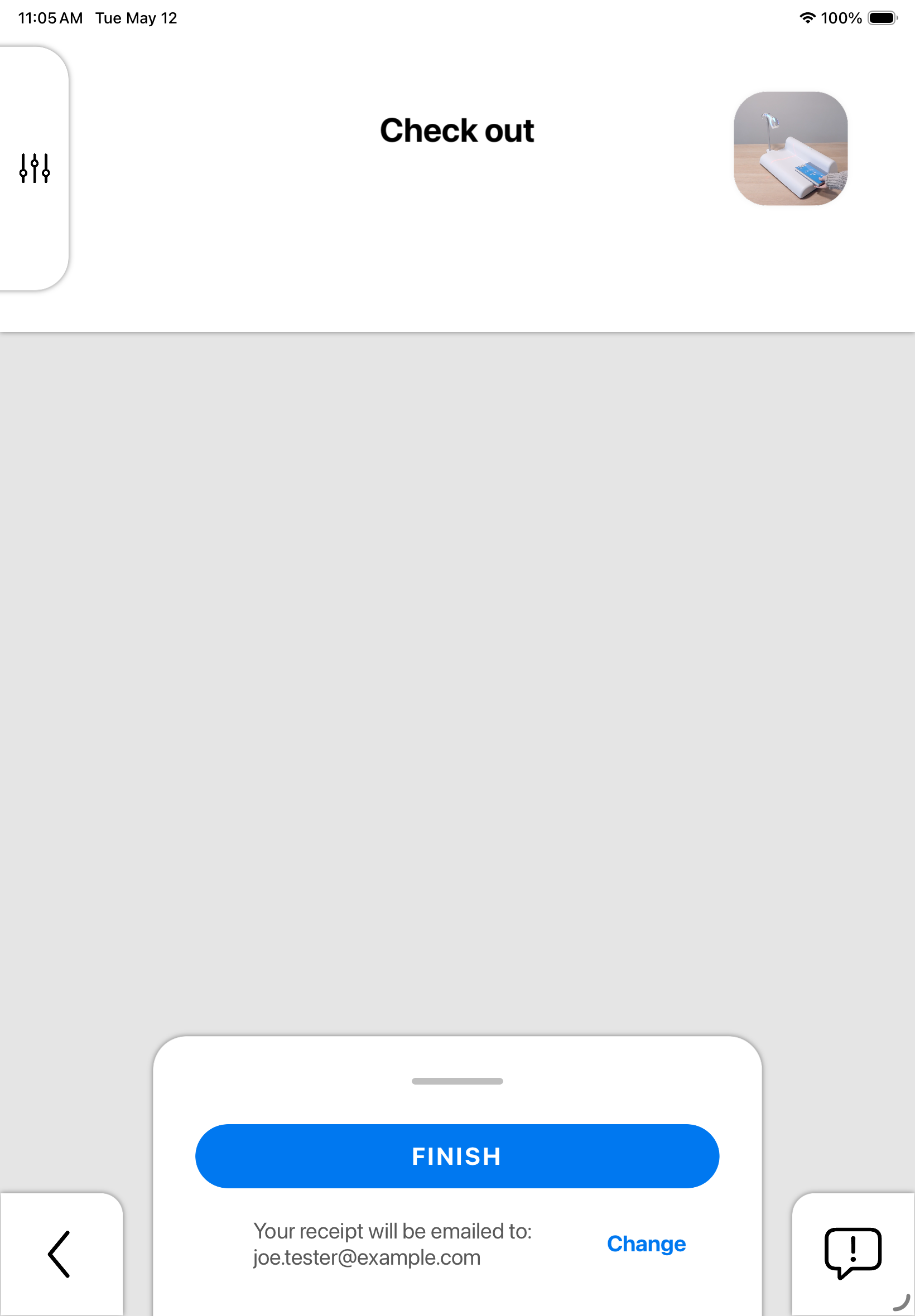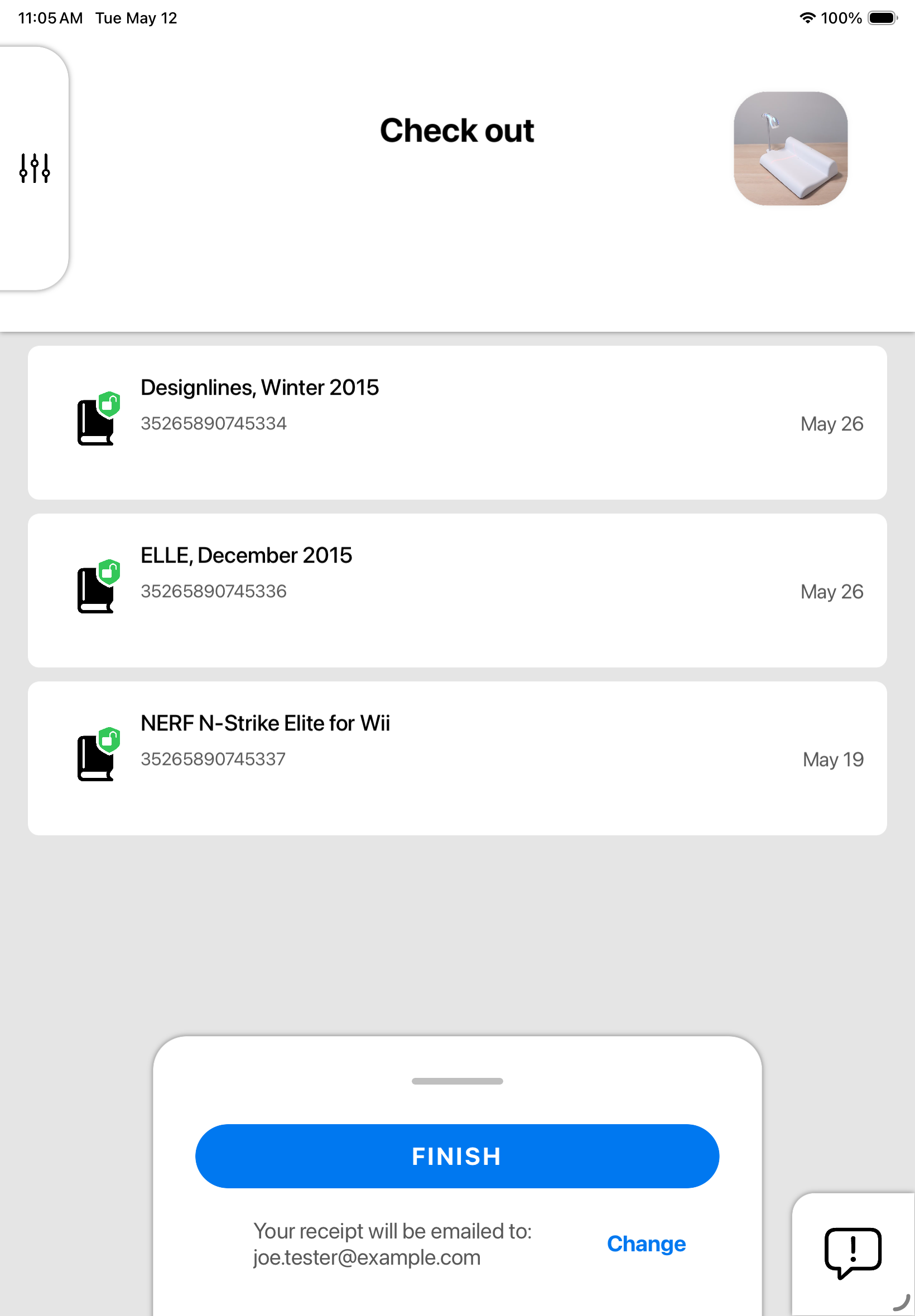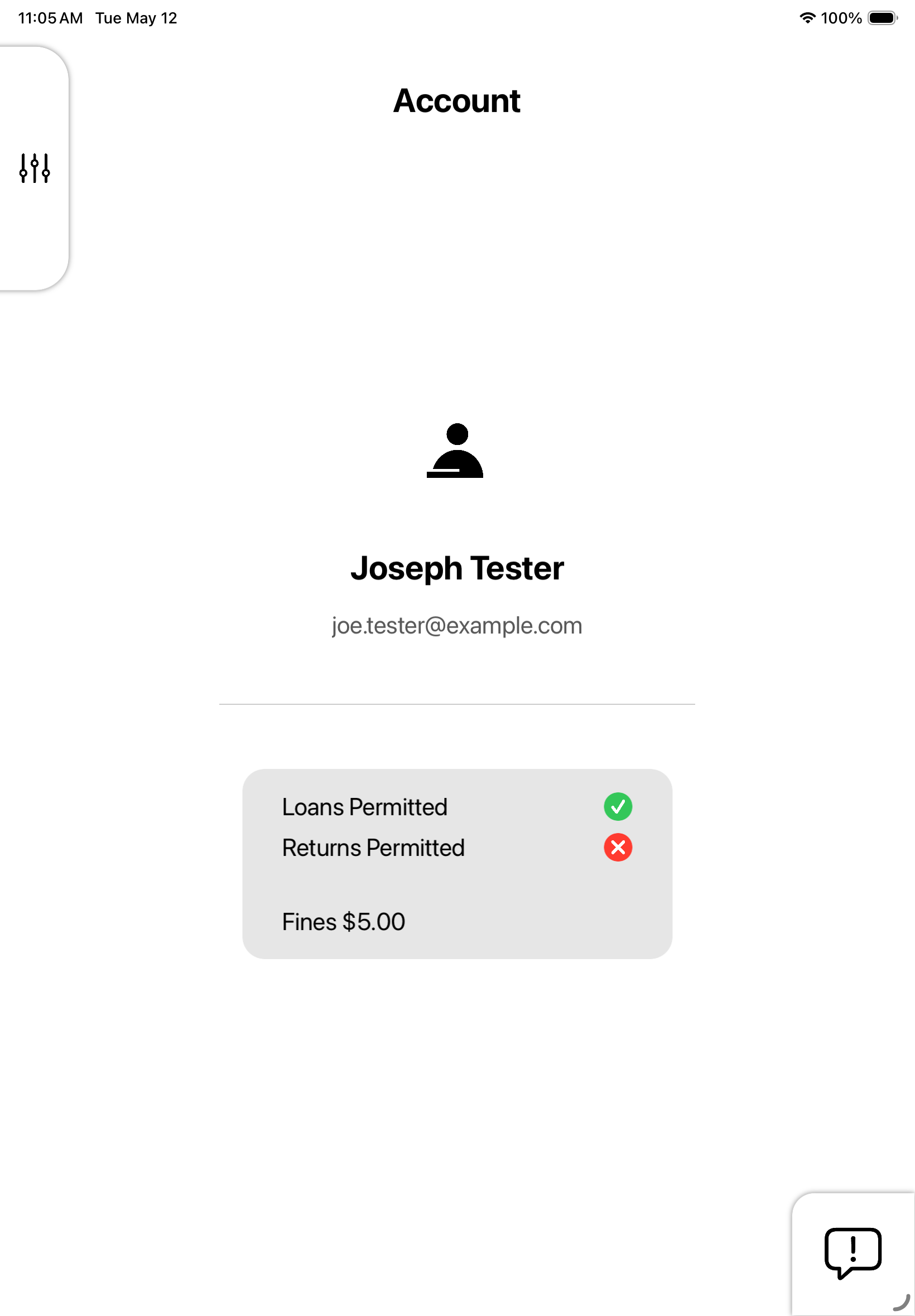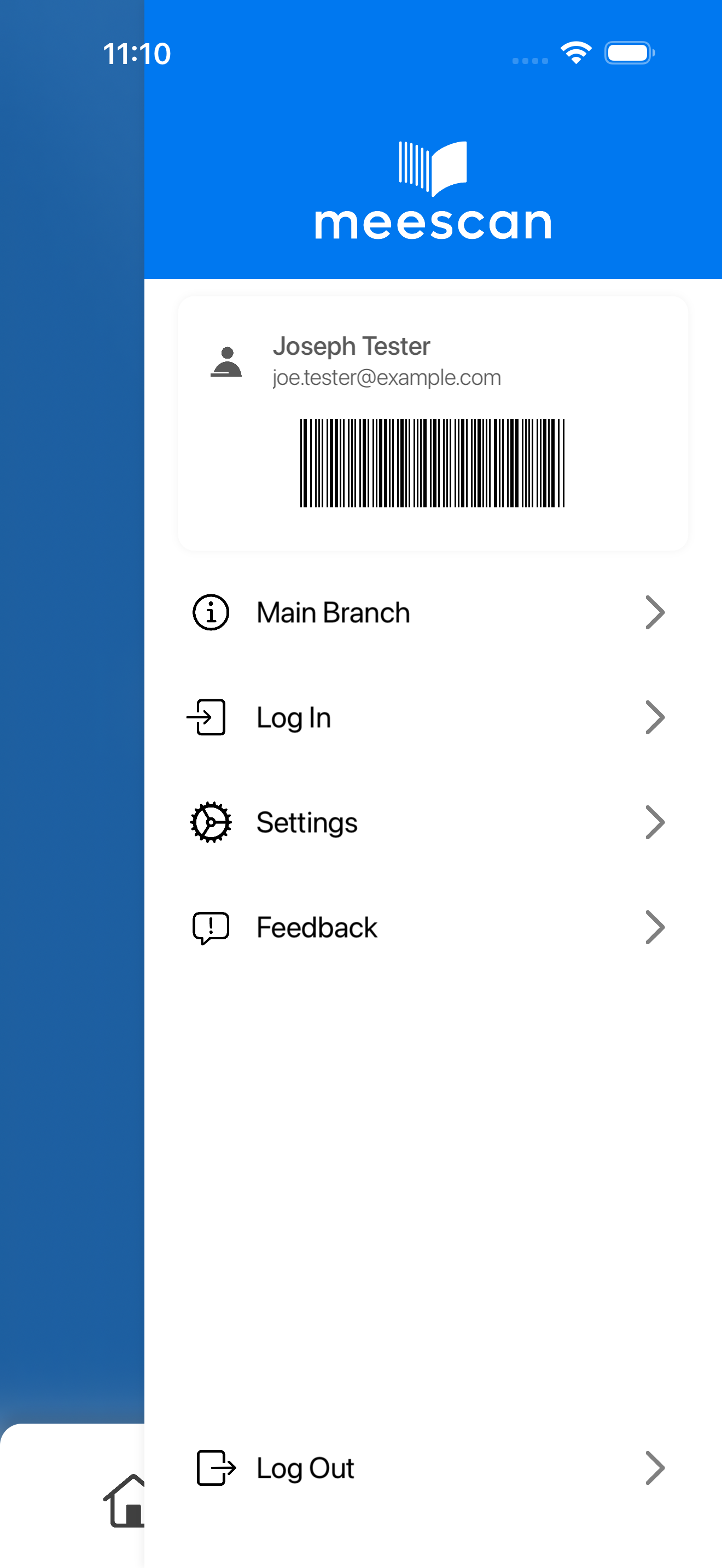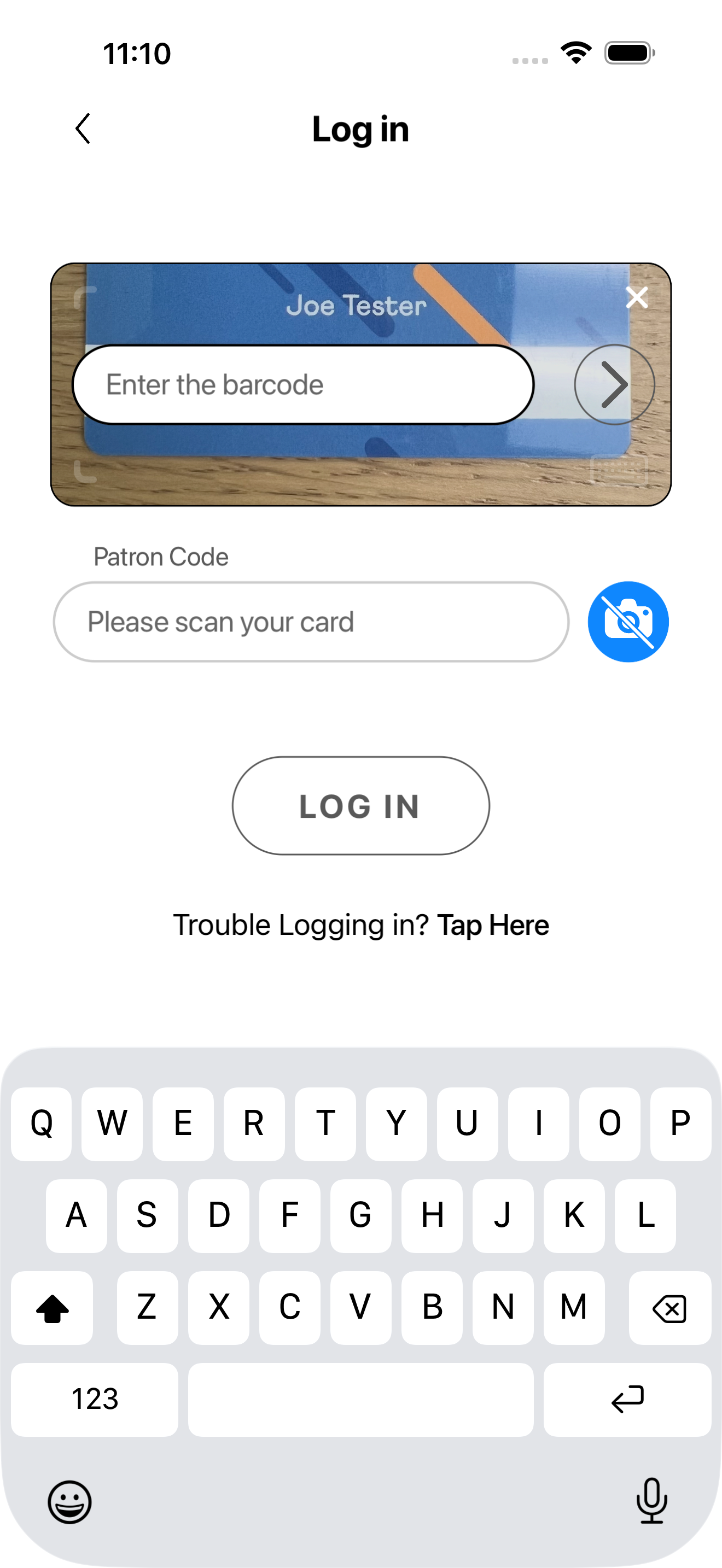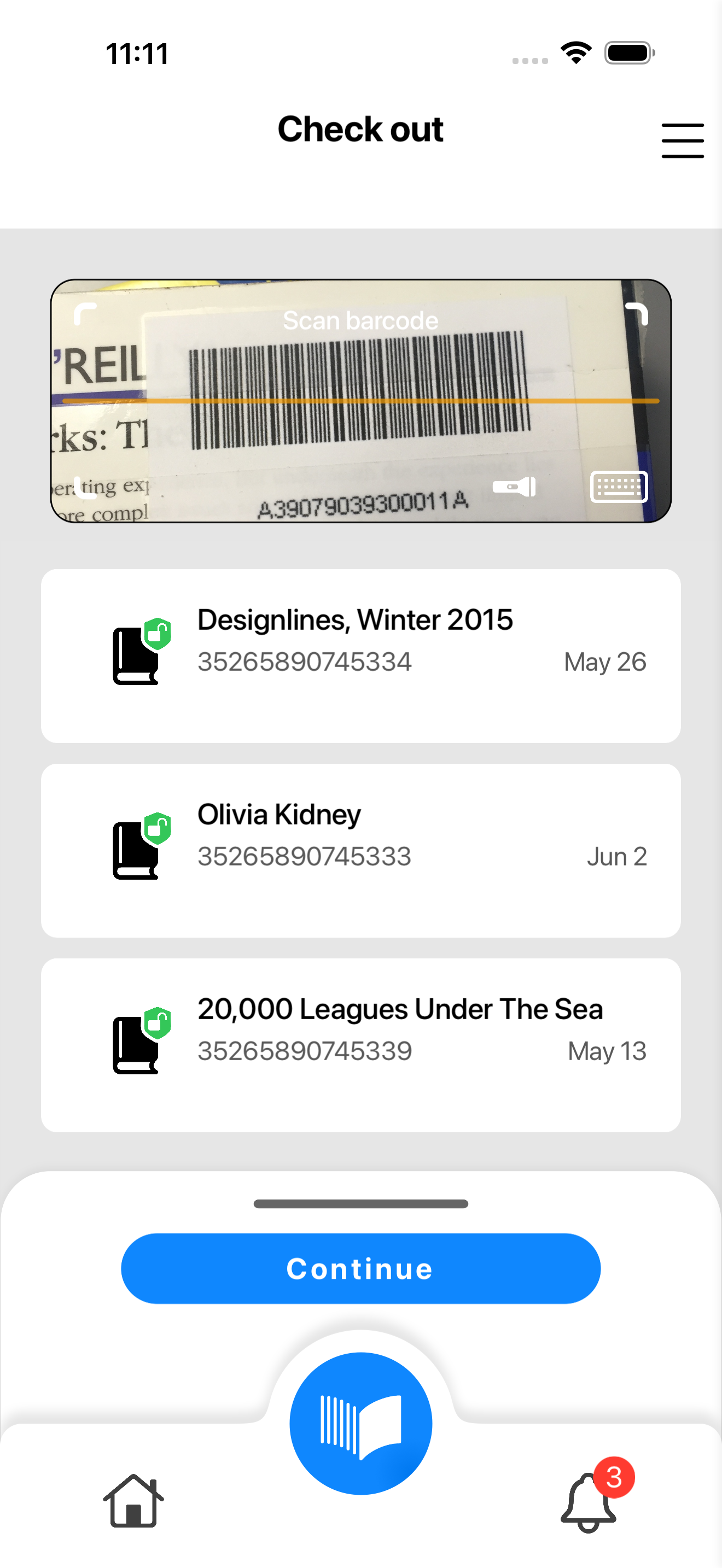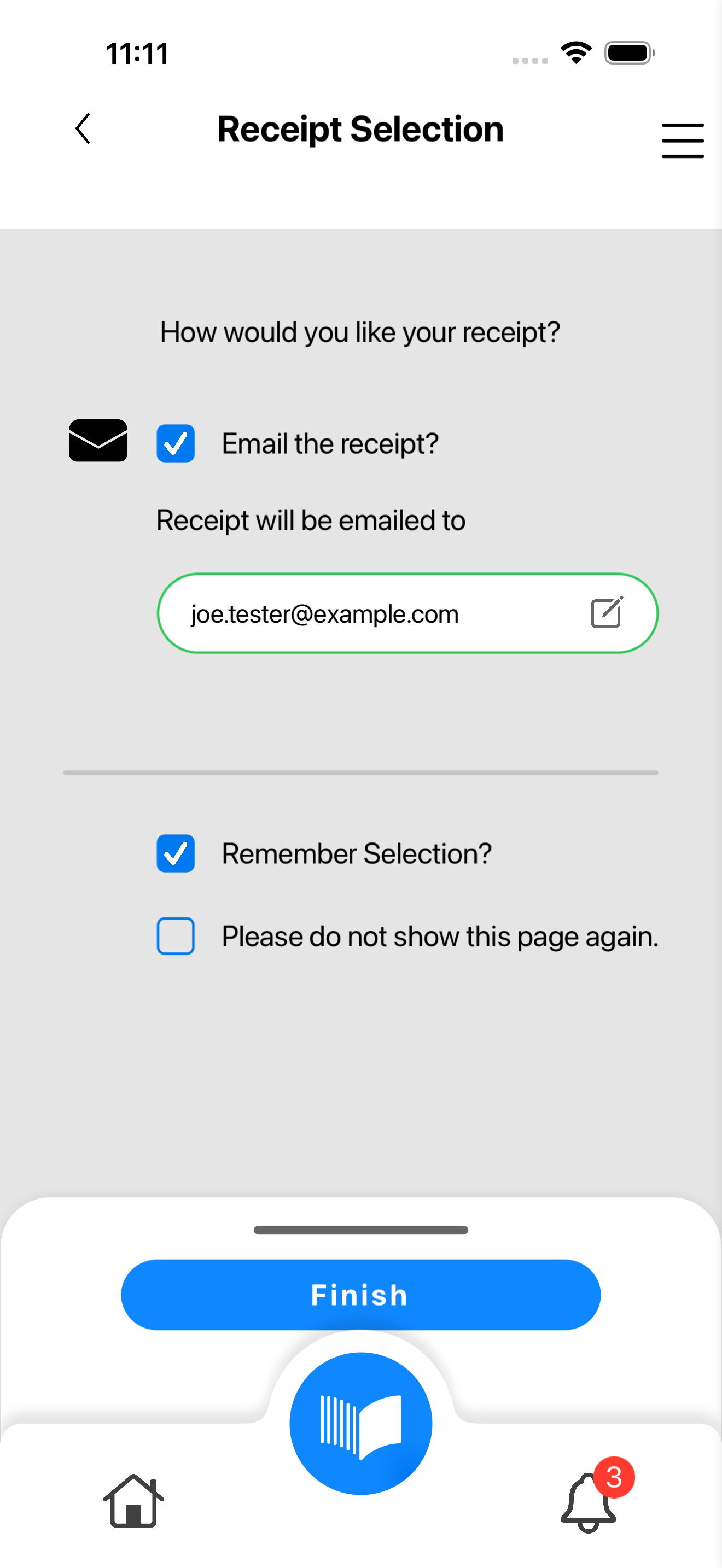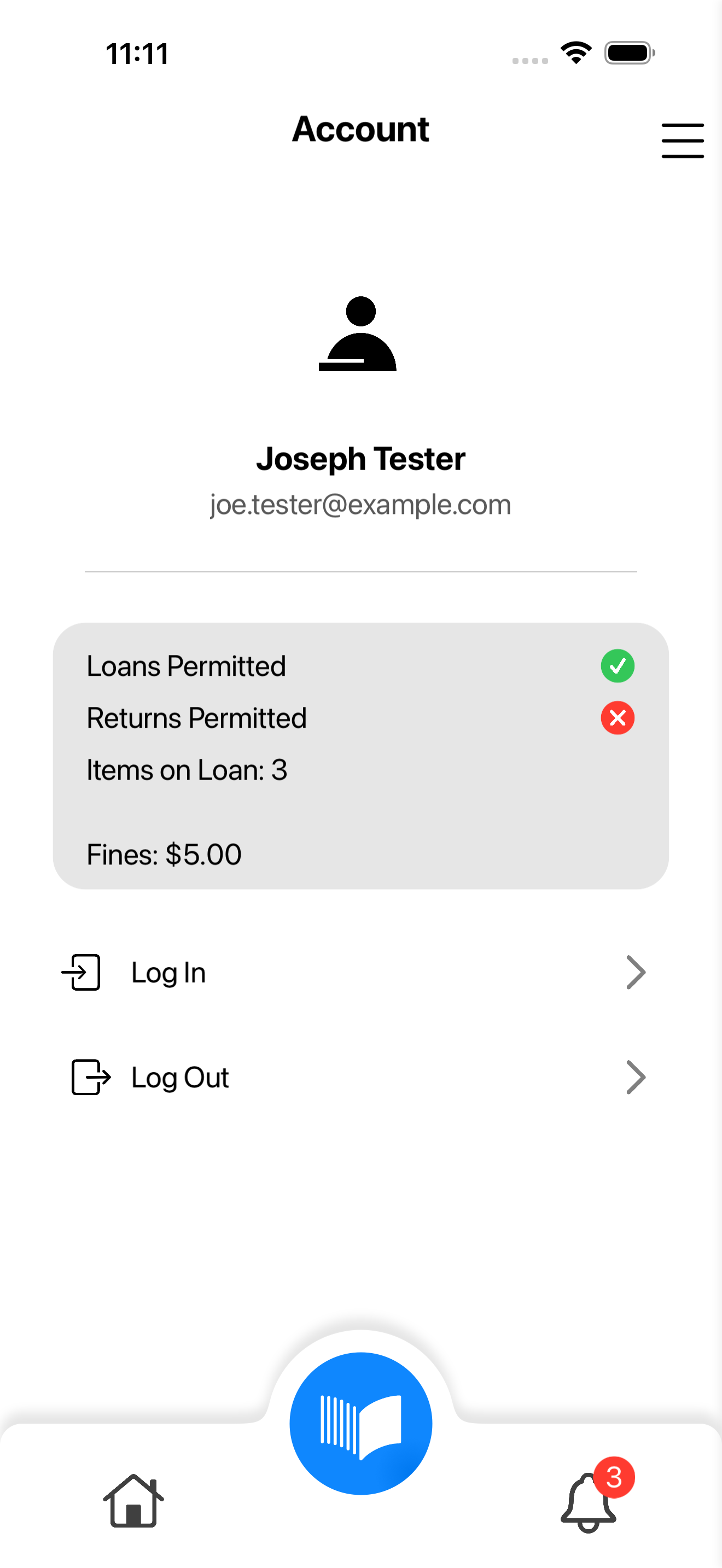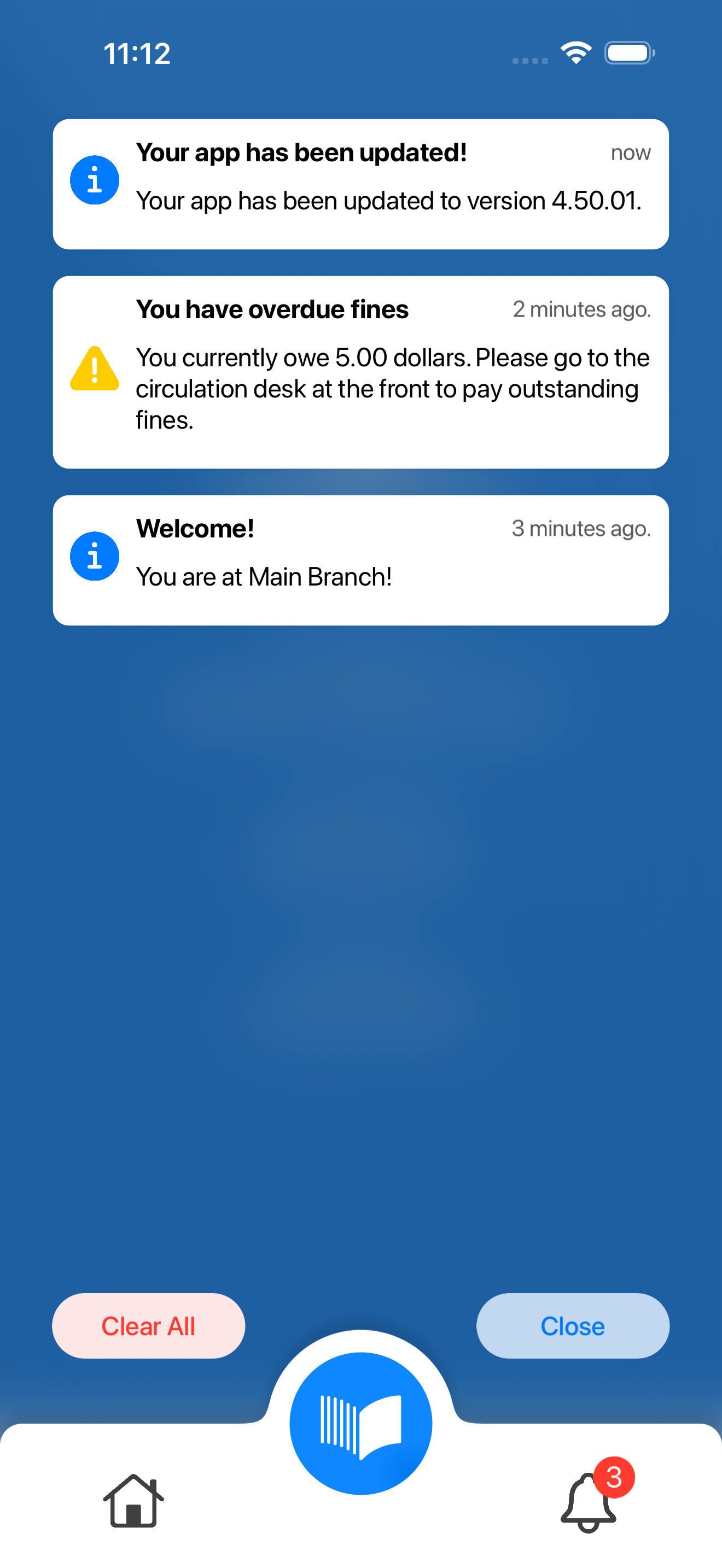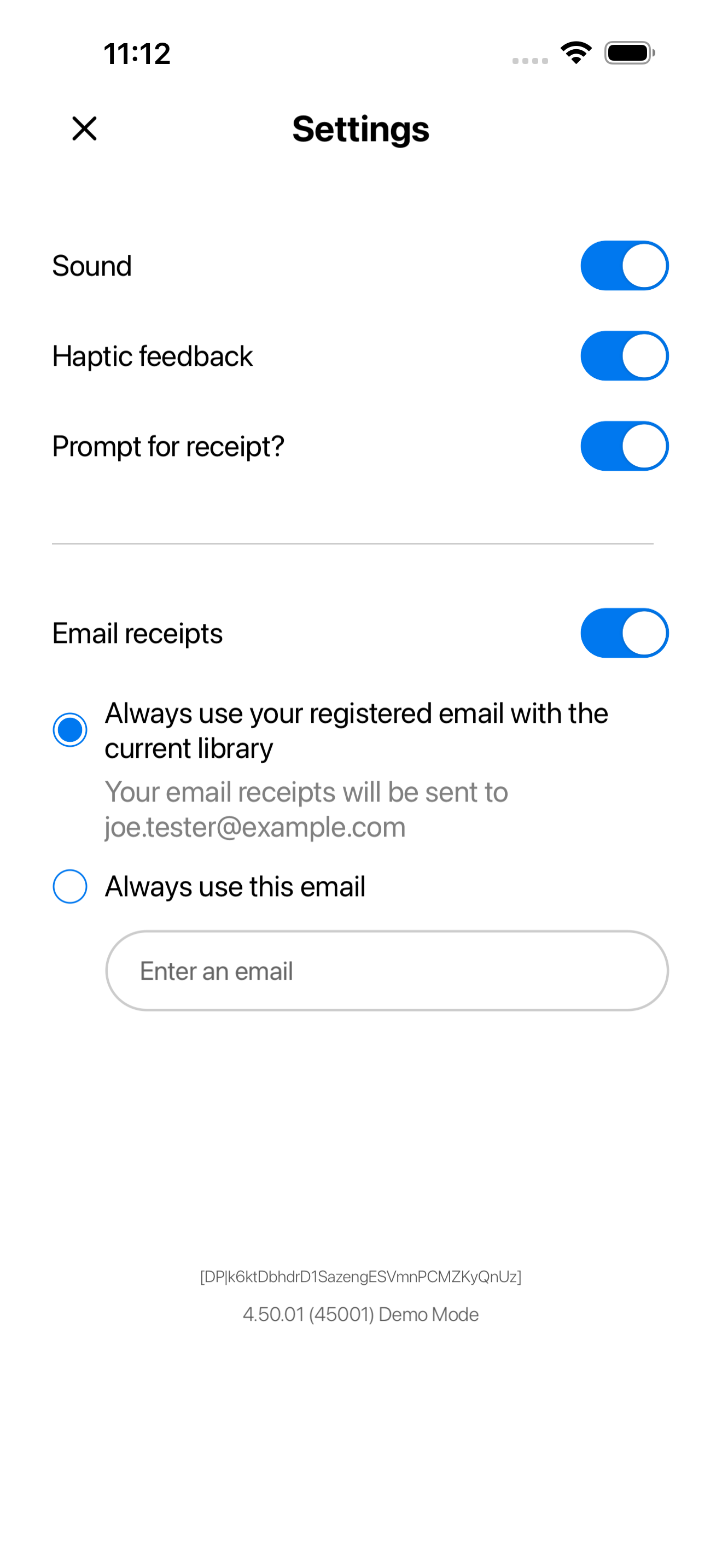
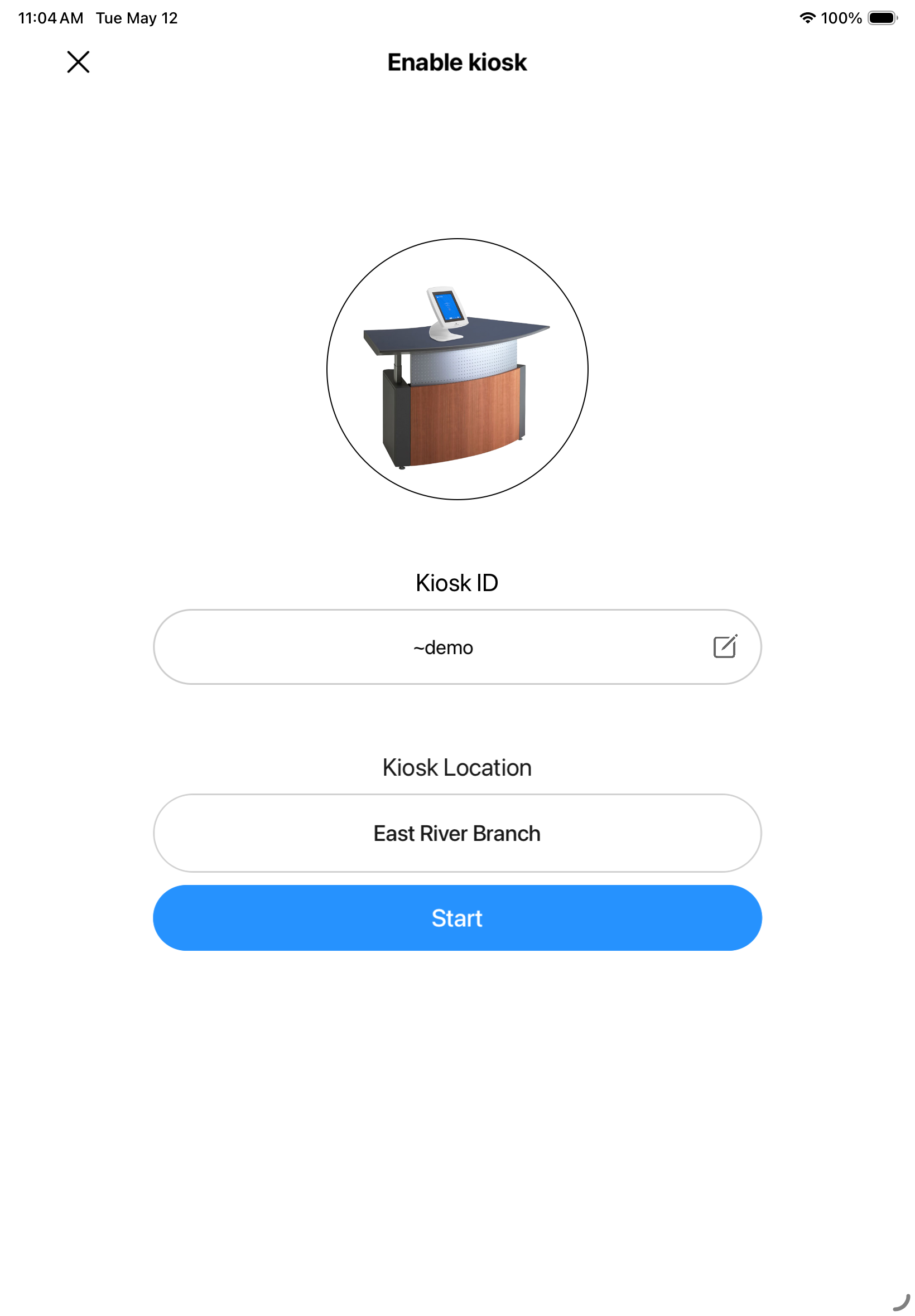
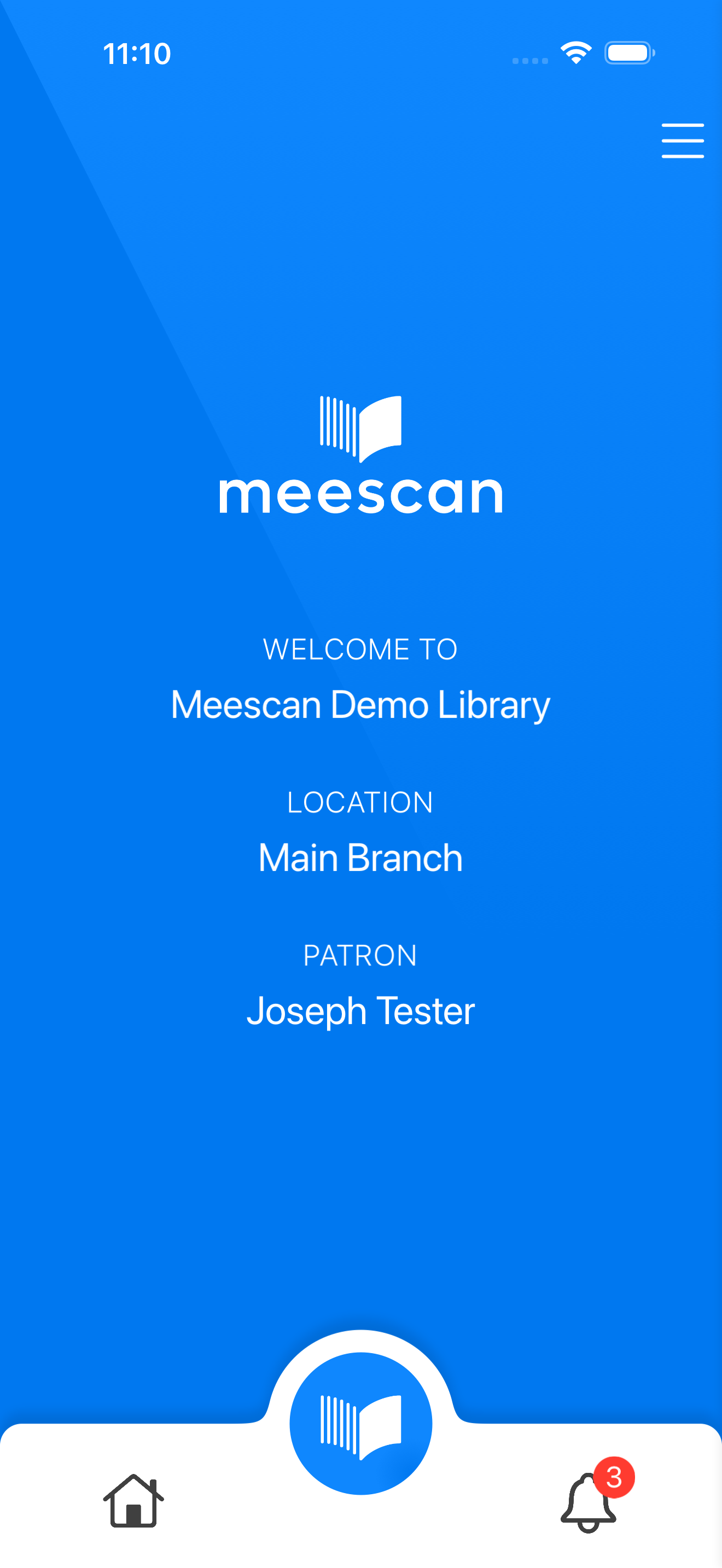
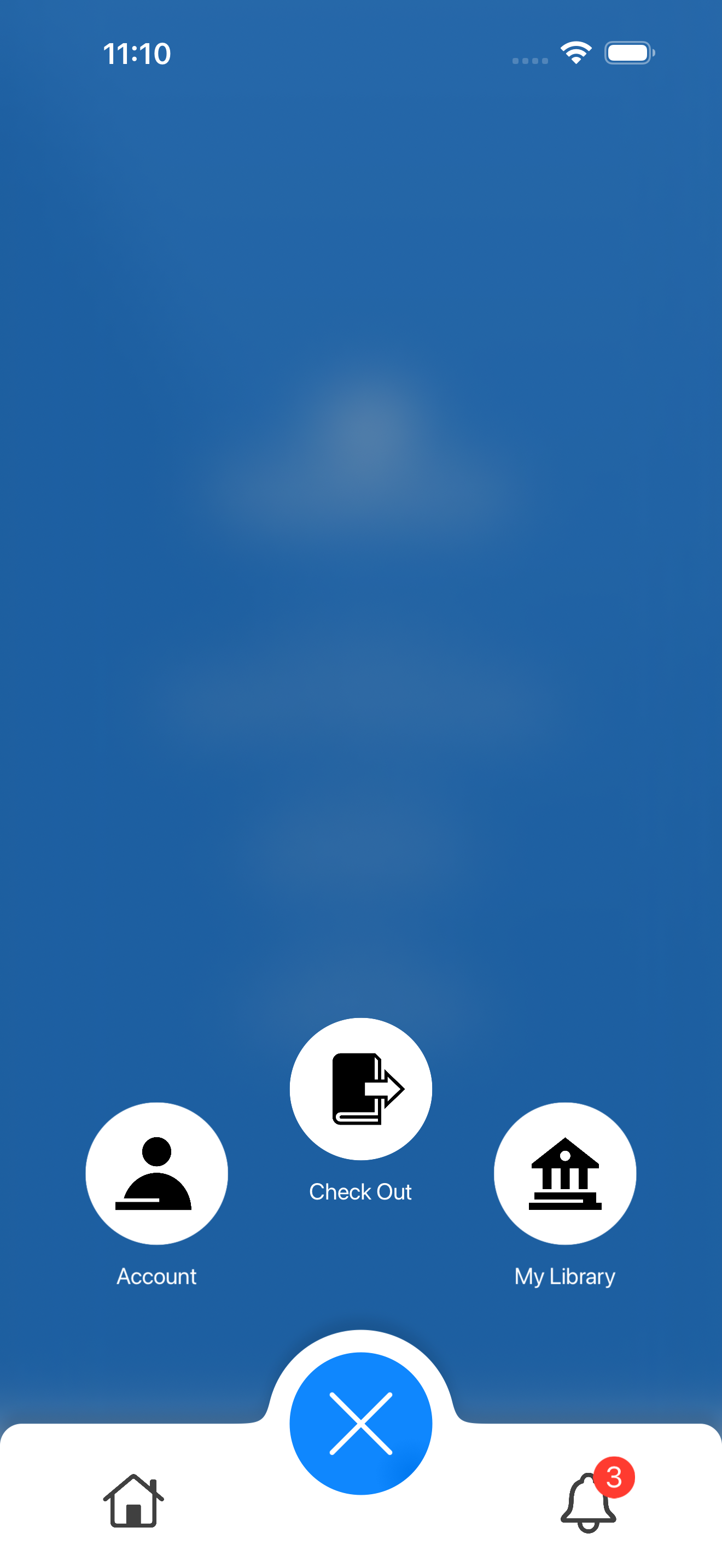
Insert the HTML block like the ones below to get a screenshot.
- If you need other screenshots, copy the code of the snippet into a new snippet and change the value of the variable on the first line.
- To set a specific height to the screenshot, Select the HTML control and enter the following style to "Custom CCC" under "Advanced":
selector .screenshot-image { height: 300px; /* Enter the desired height here */
}
To show/hide sections depending on branding:
Step 1: Include the HTML below this text on the page (anywhere, preferably by the top). This will inject a script to the page that will hide sections with specific CSS class.
Step 2: Select a section that you want to show conditionally and in advanced tab, set the CSS class to "branded-only" or "unbranded-only". Two sections below are set-up like that.