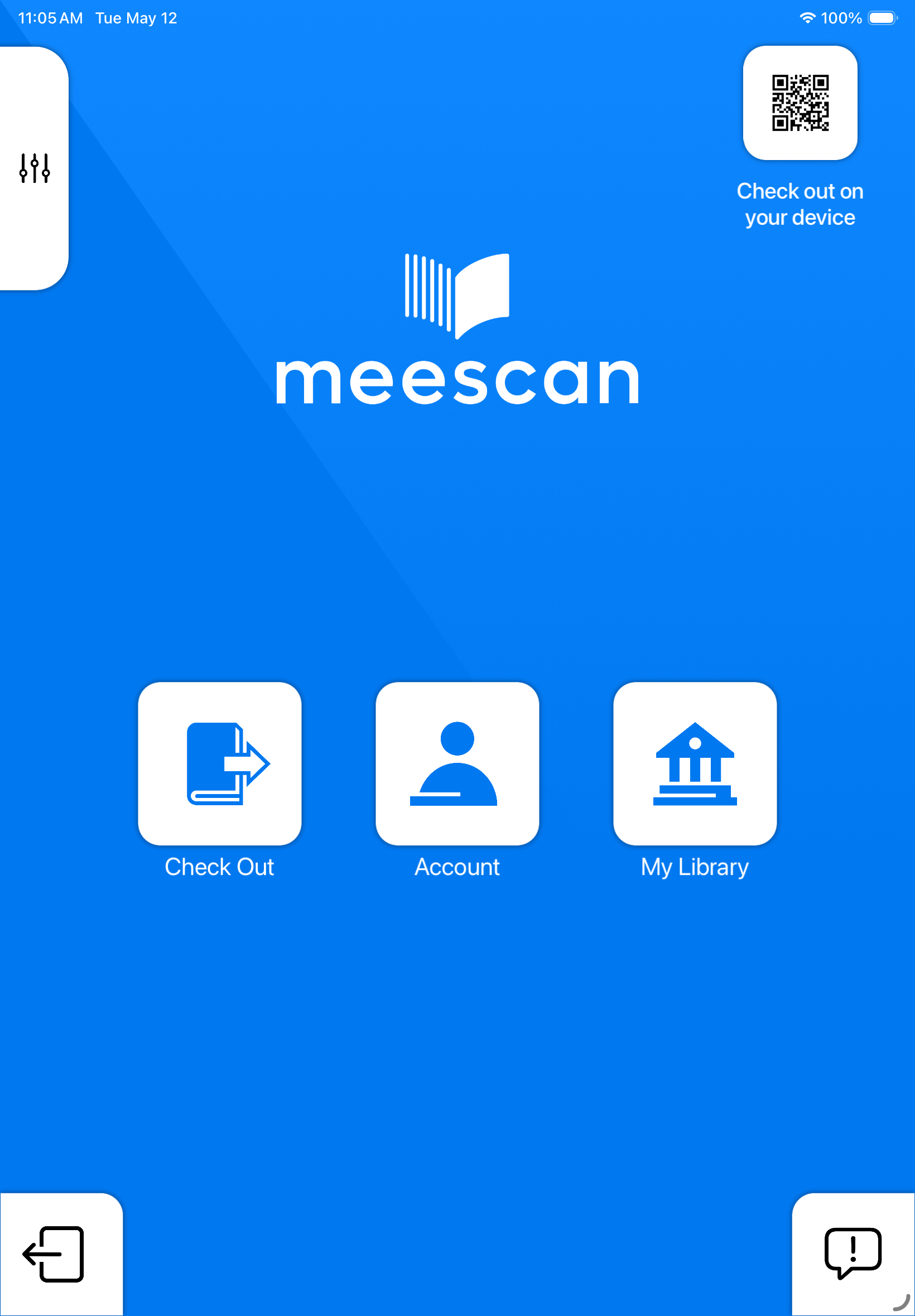
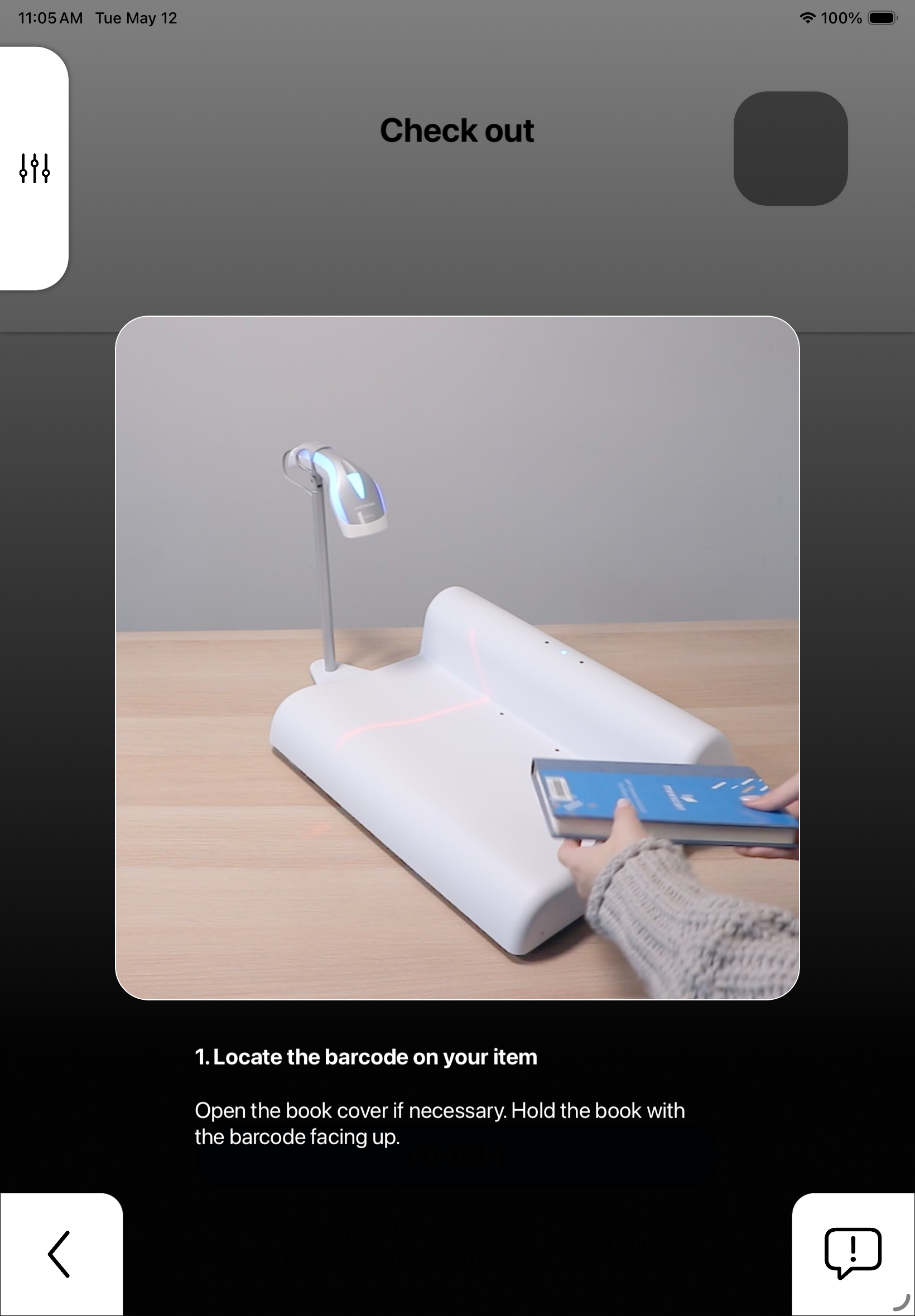
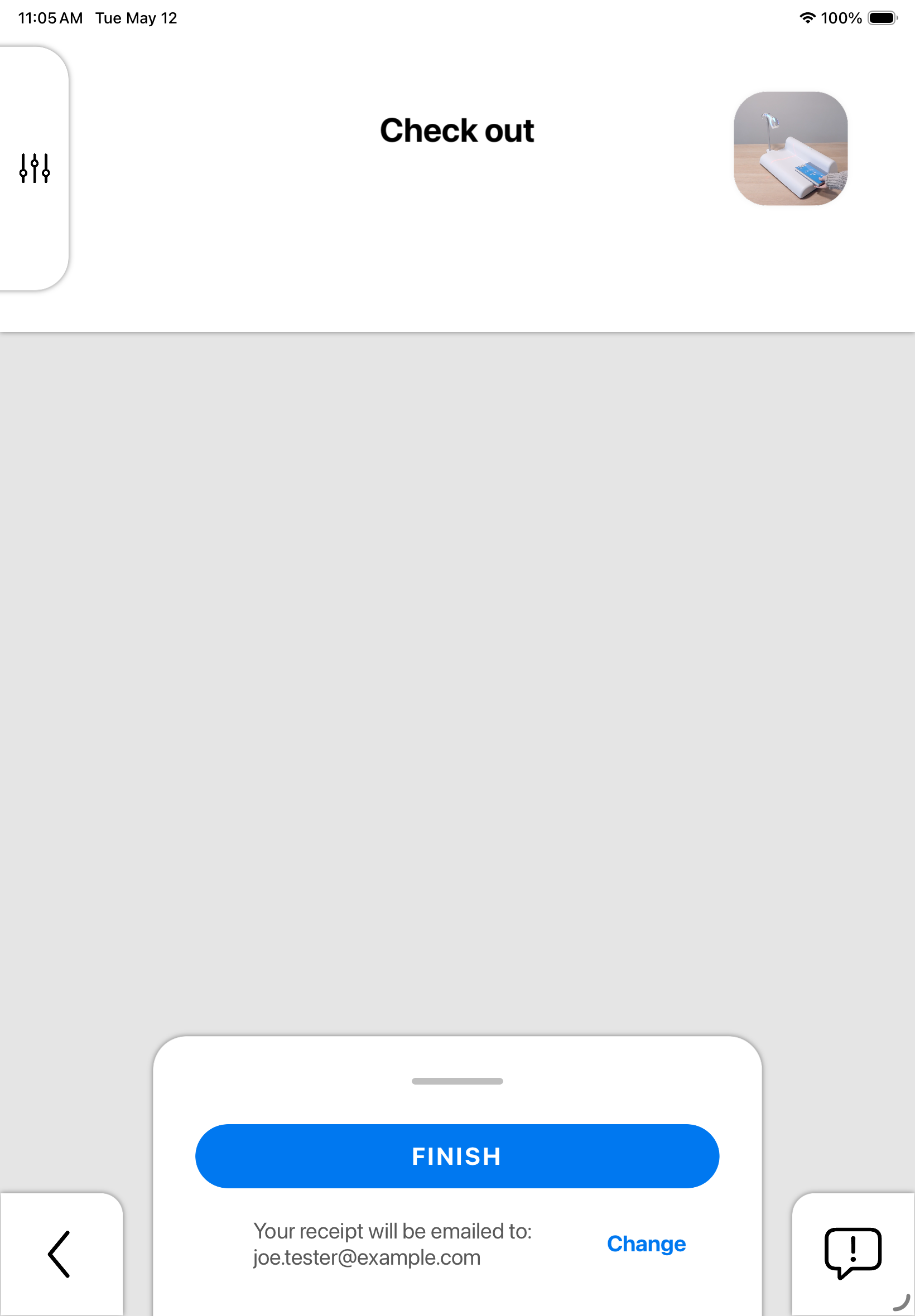
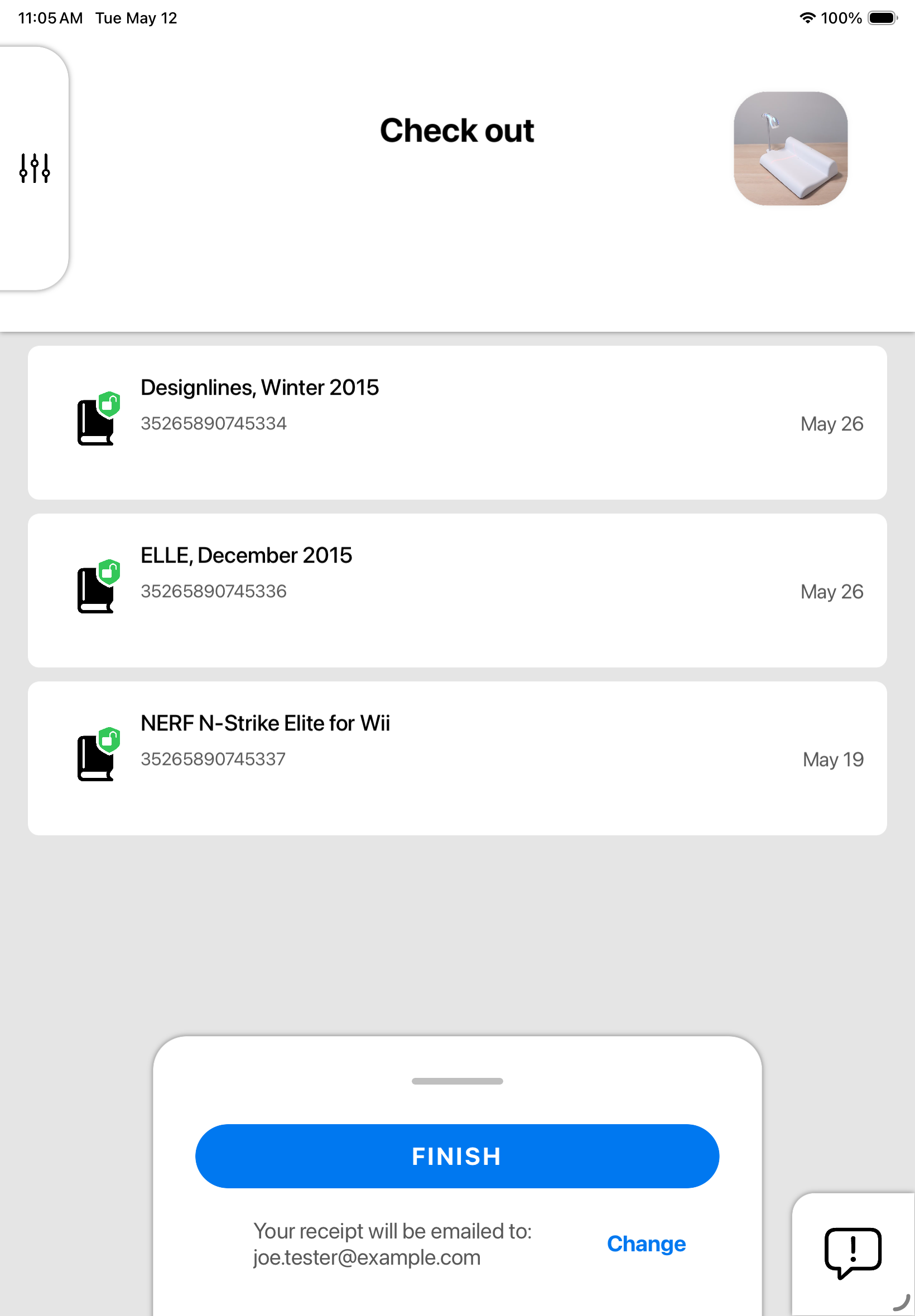
Welcome to a brand new
Meescan experience.

KIOSK
MOBILE

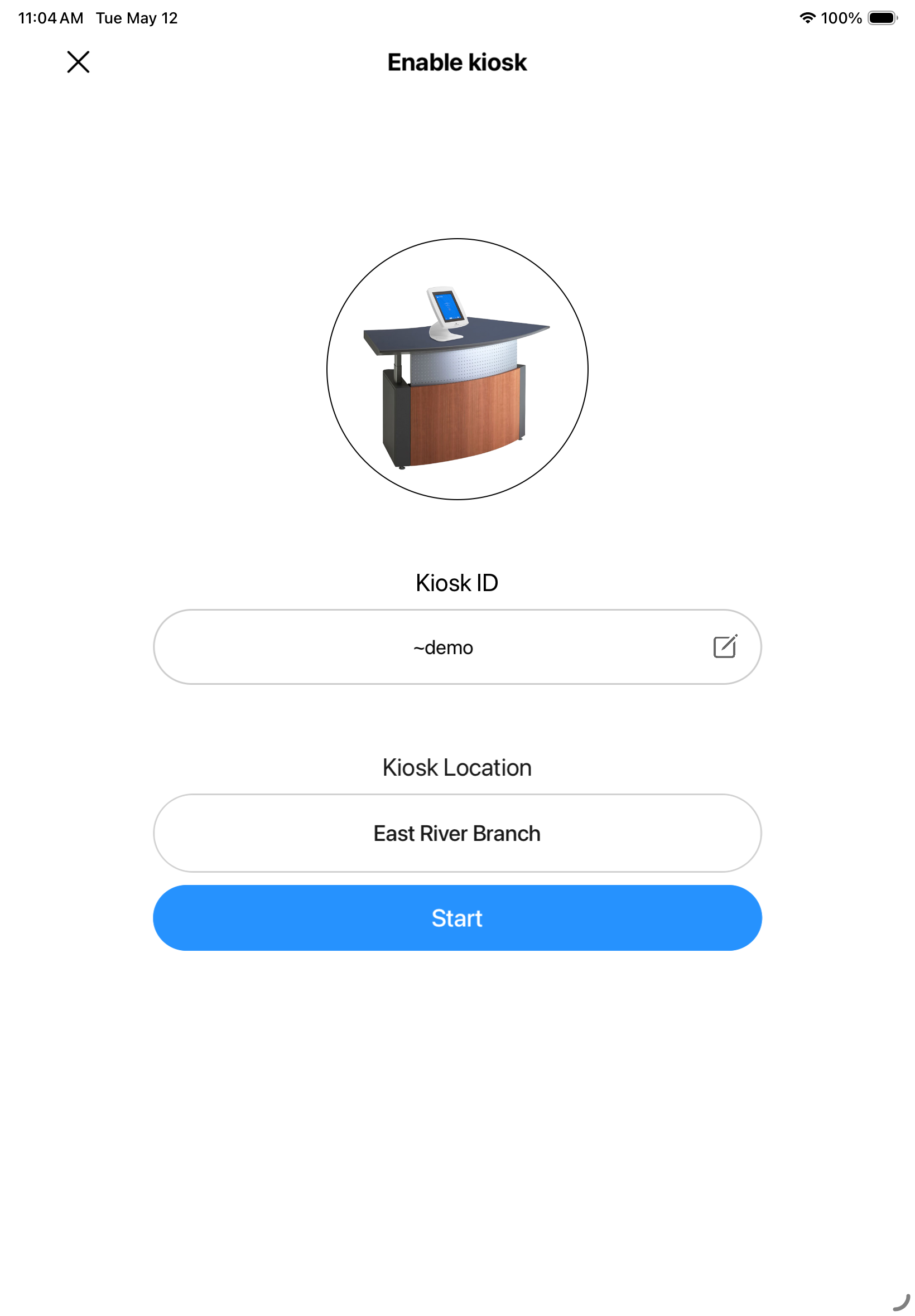
Screenshot 1
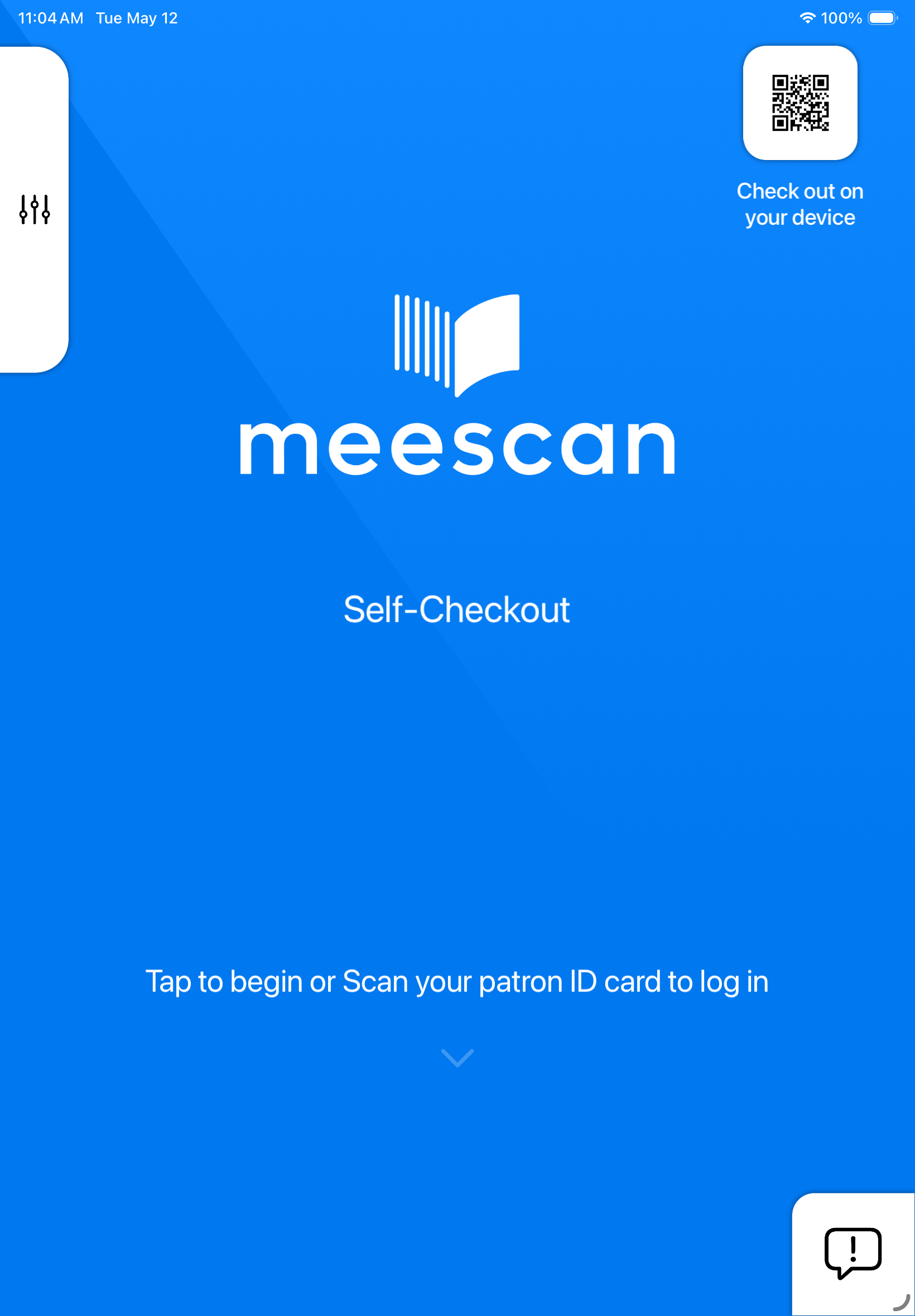
Screenshot 2
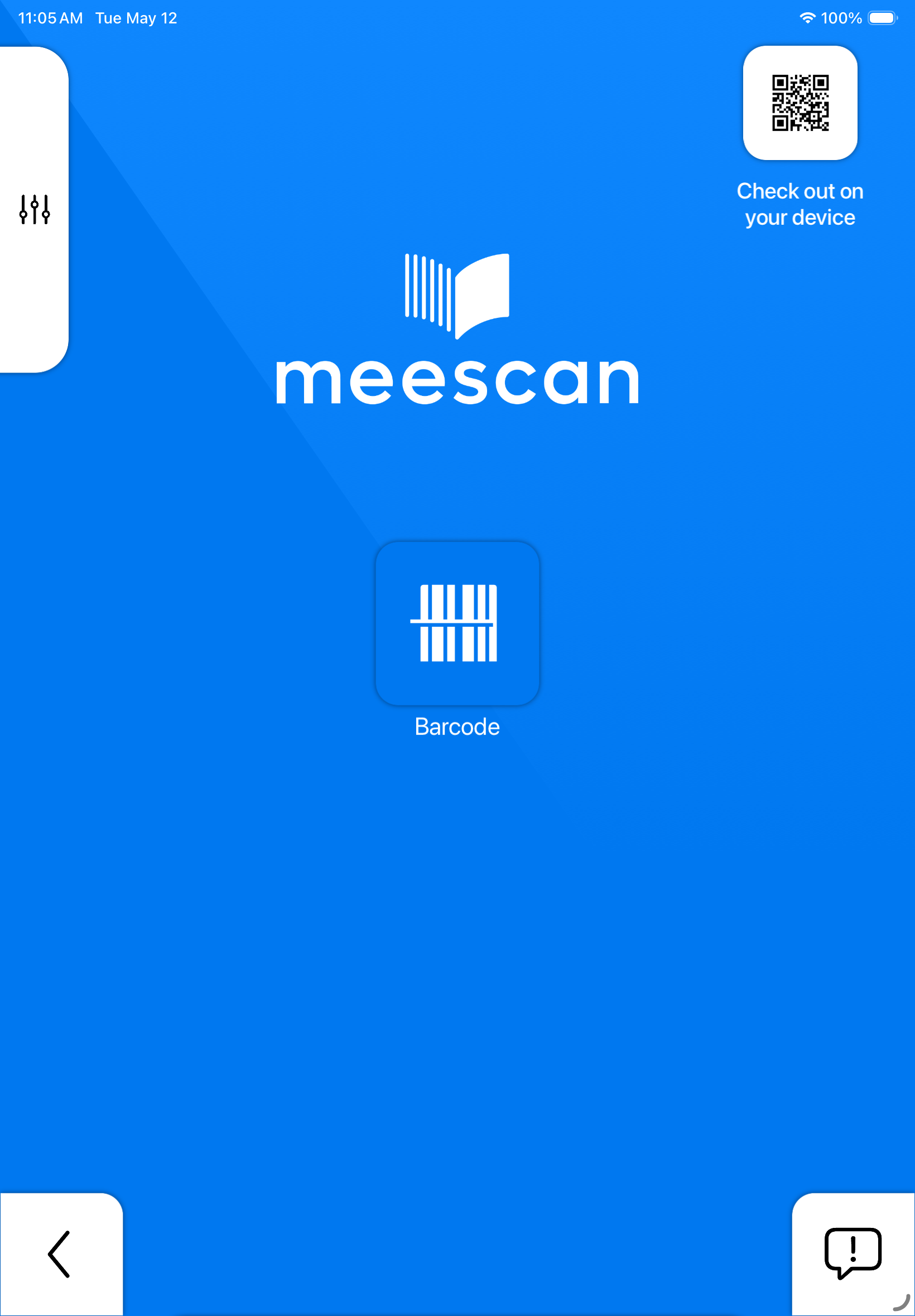
Screenshot 3
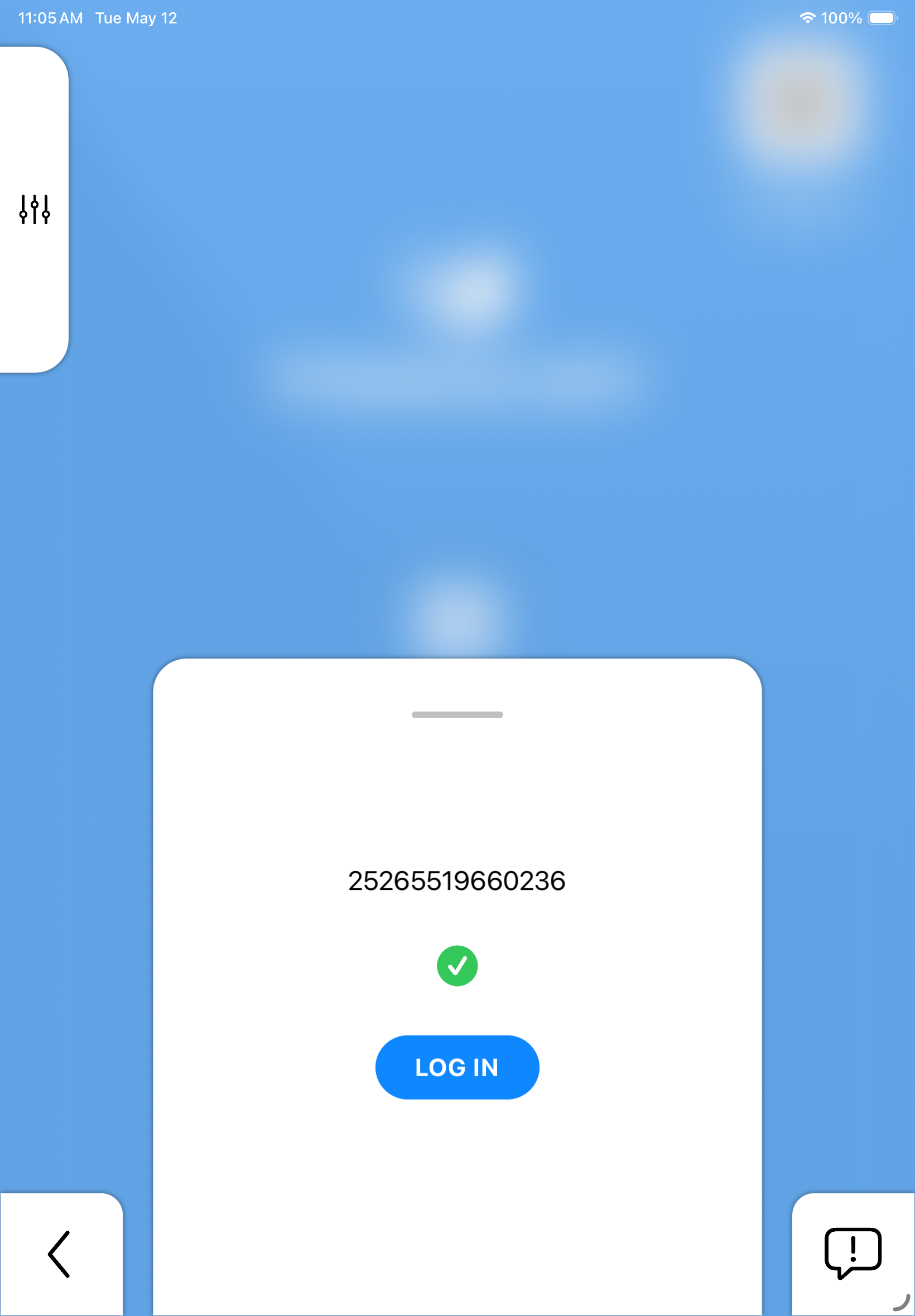
Screenshot 4
Screenshot 5
Screenshot 6
Screenshot 7
Screenshot 8
Screenshot 9

Screenshot 1
Screenshot 2
Screenshot 3
Screenshot 4
Screenshot 5
Screenshot 6
Screenshot 7
Screenshot 8
Screenshot 9

Officially launching on July 27, 2026

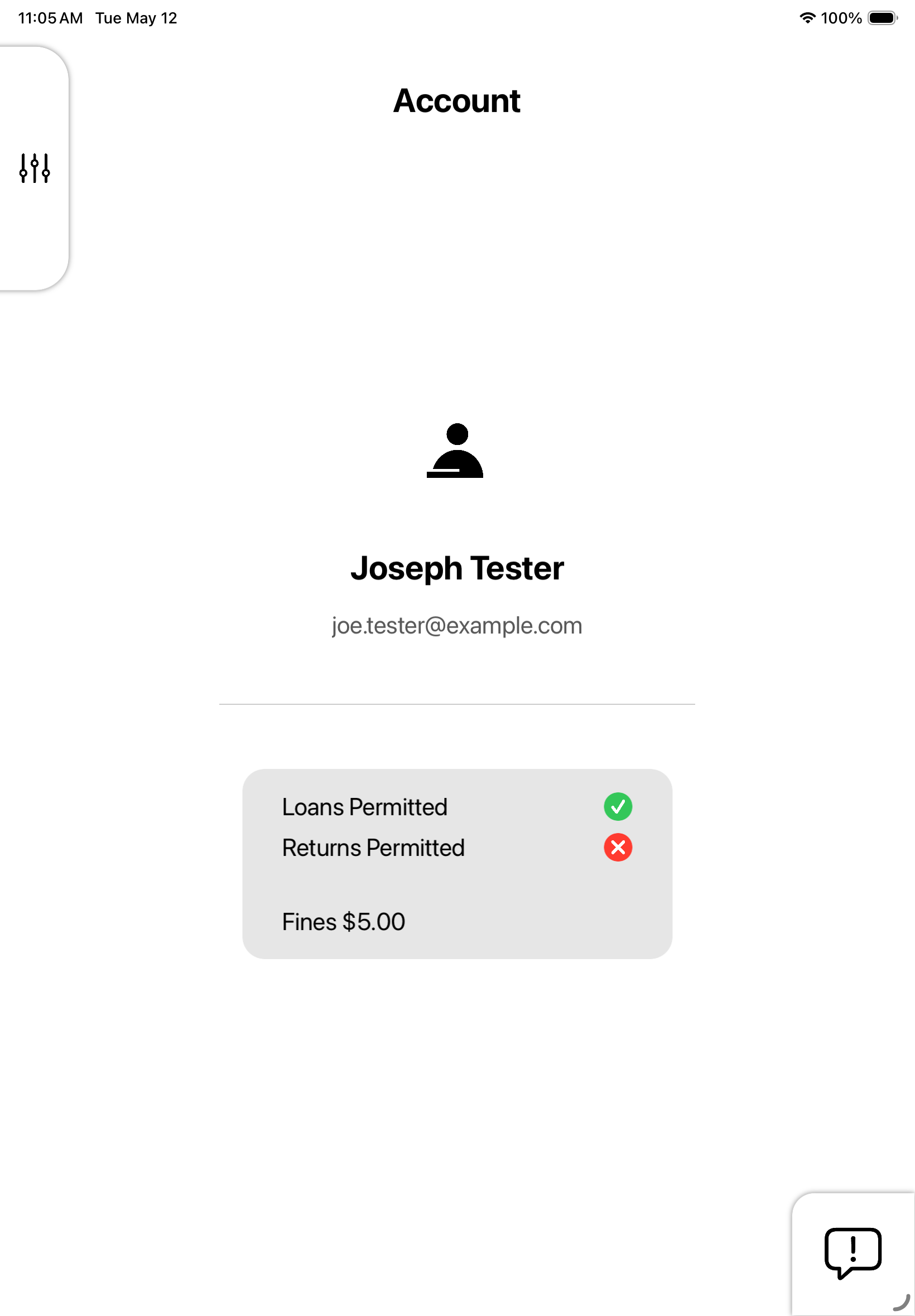
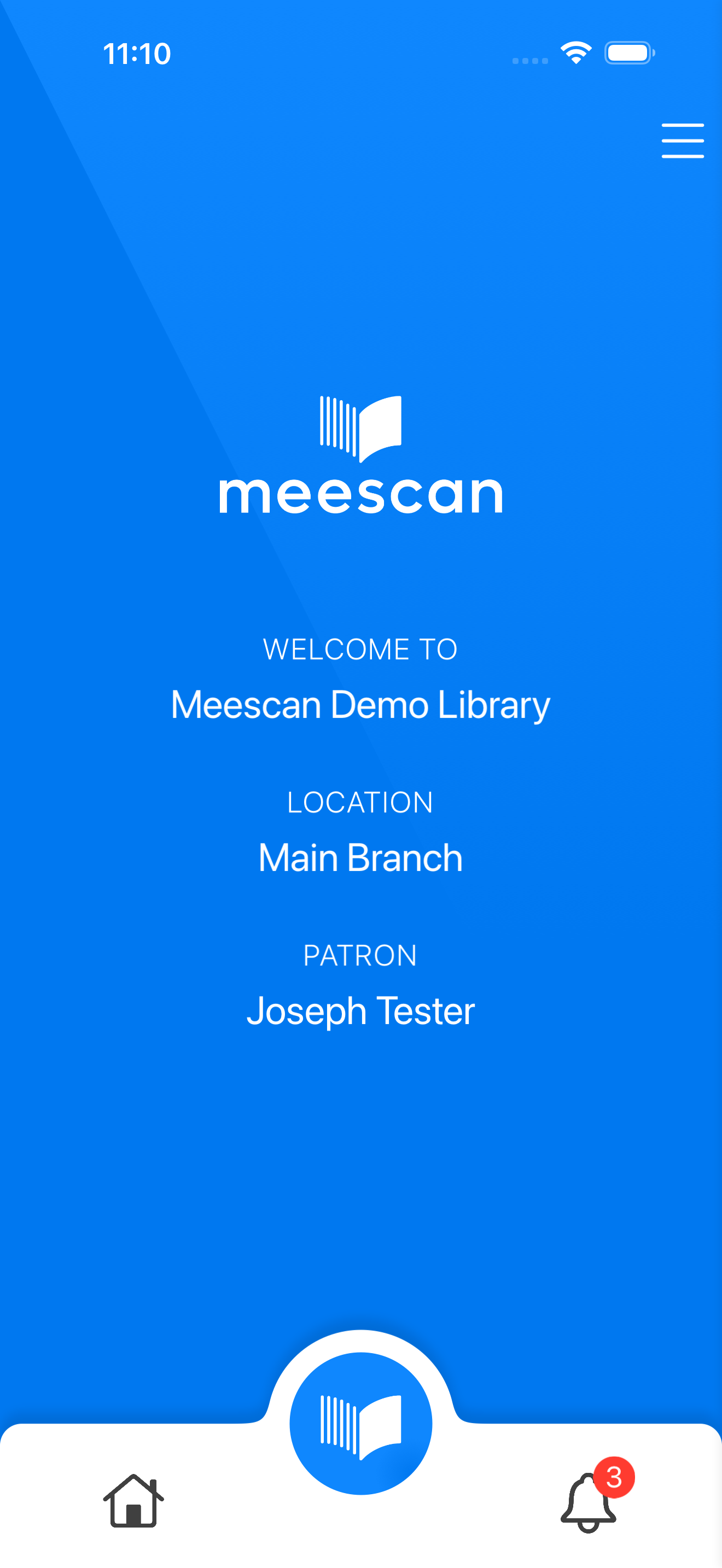
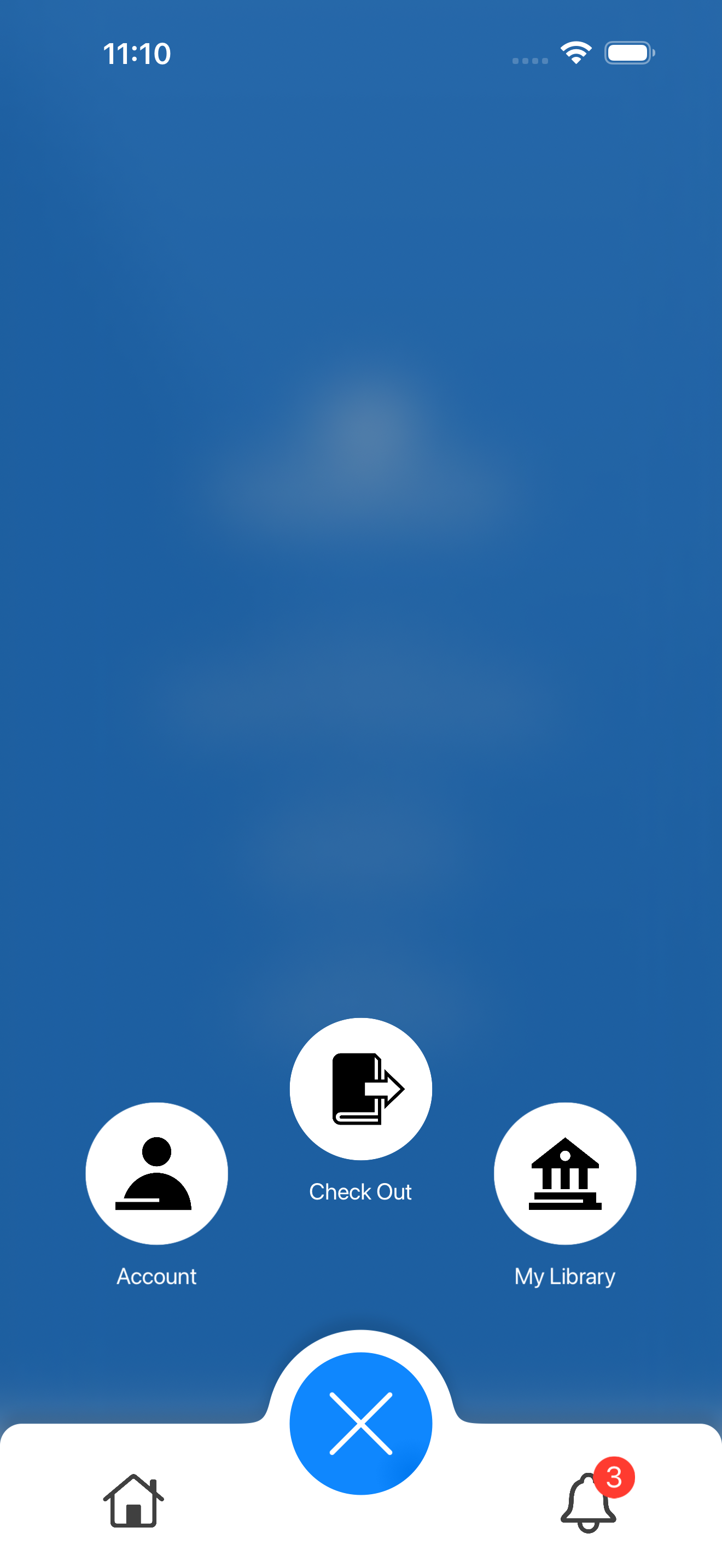
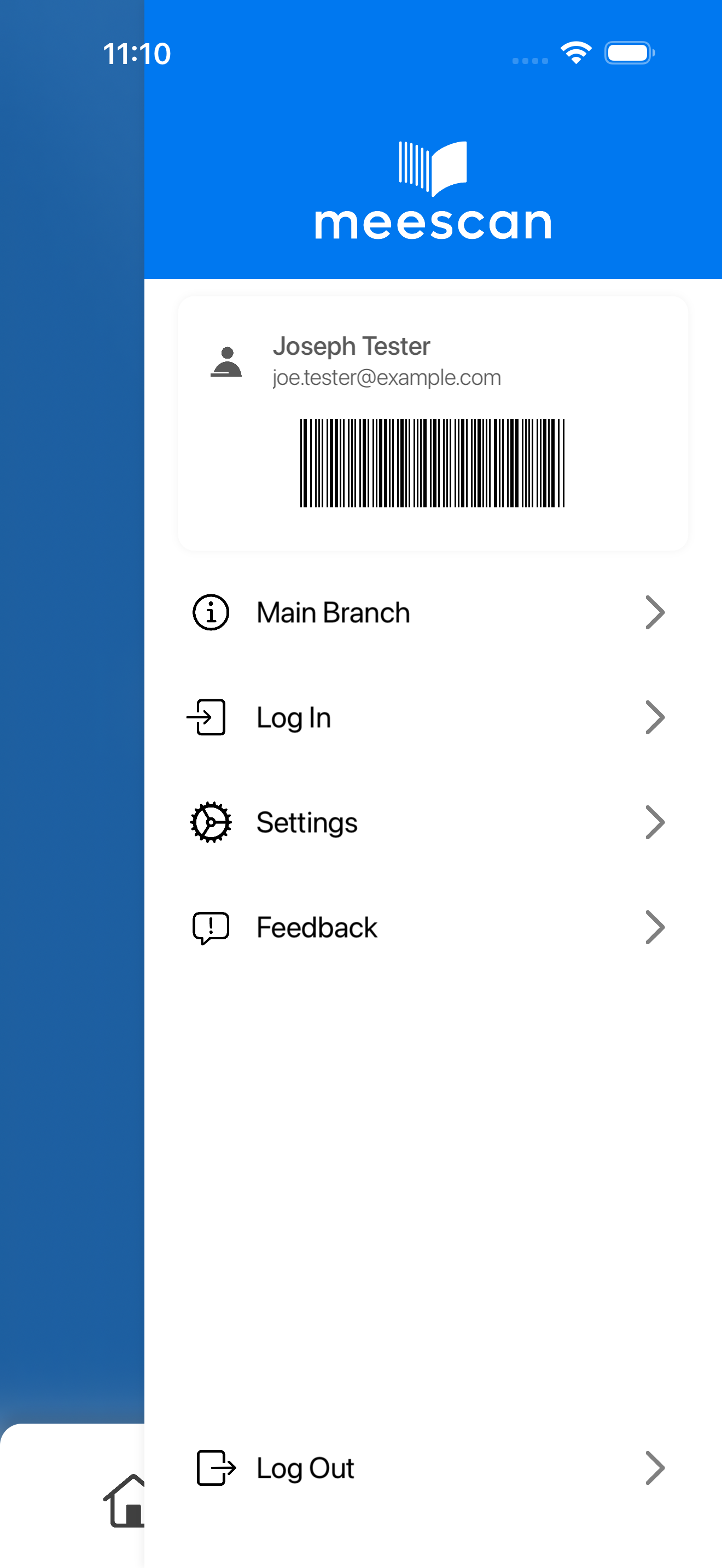
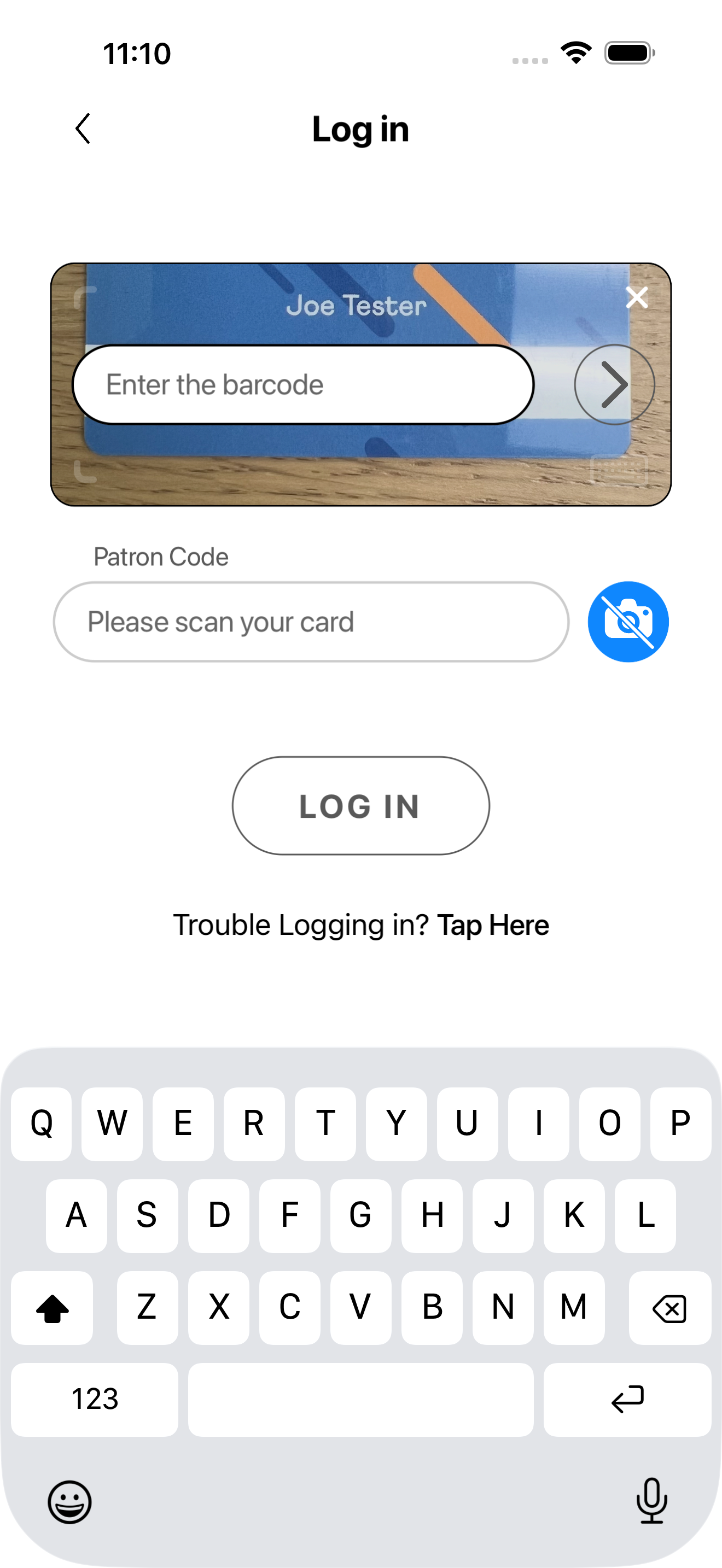
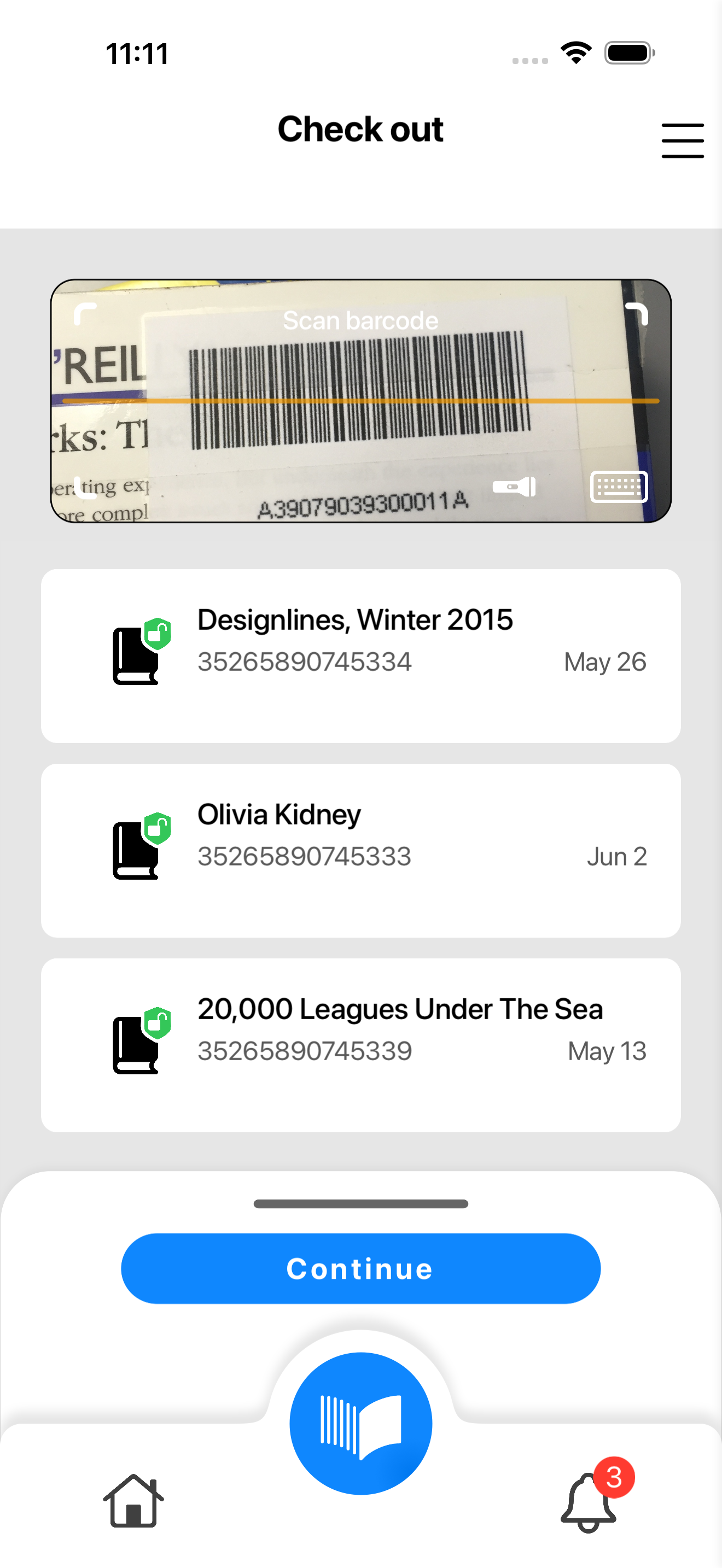
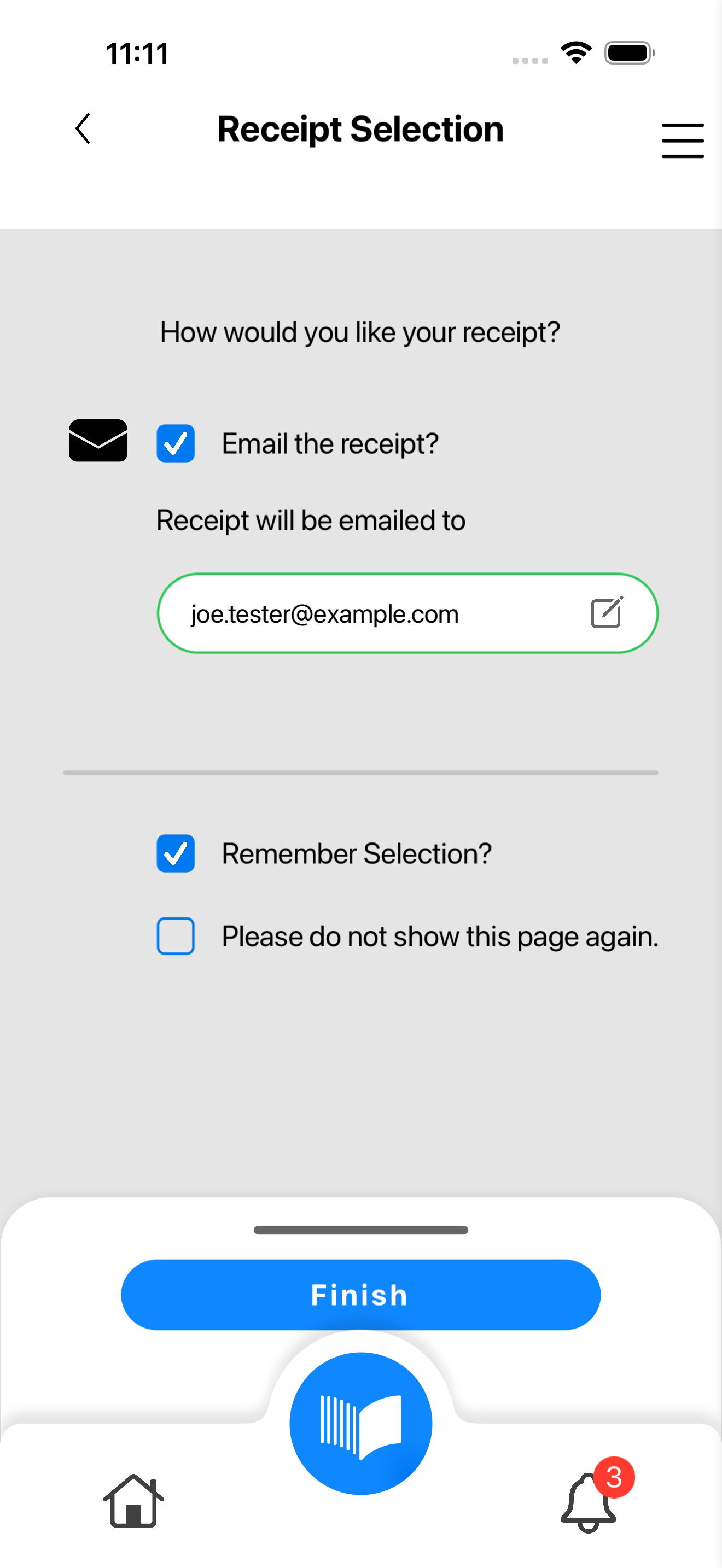
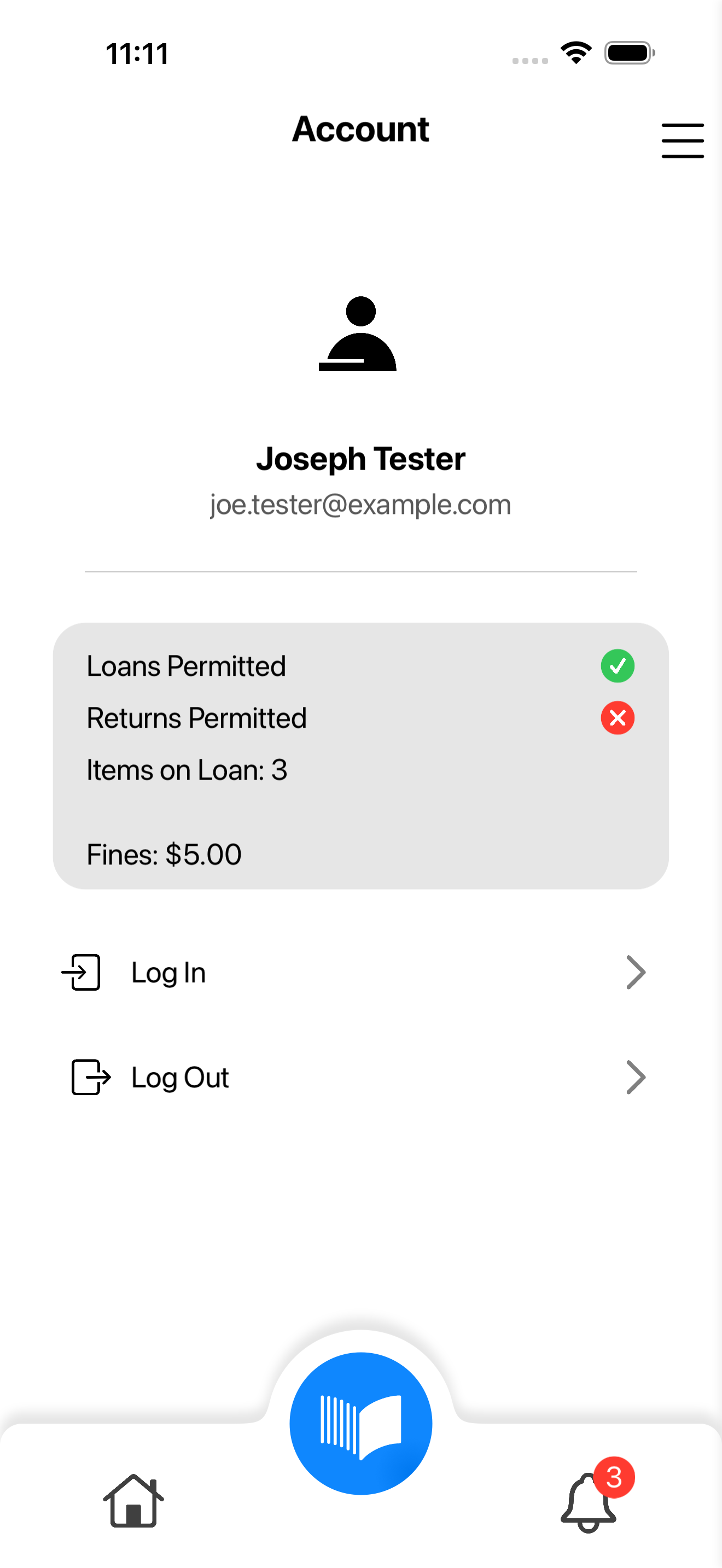
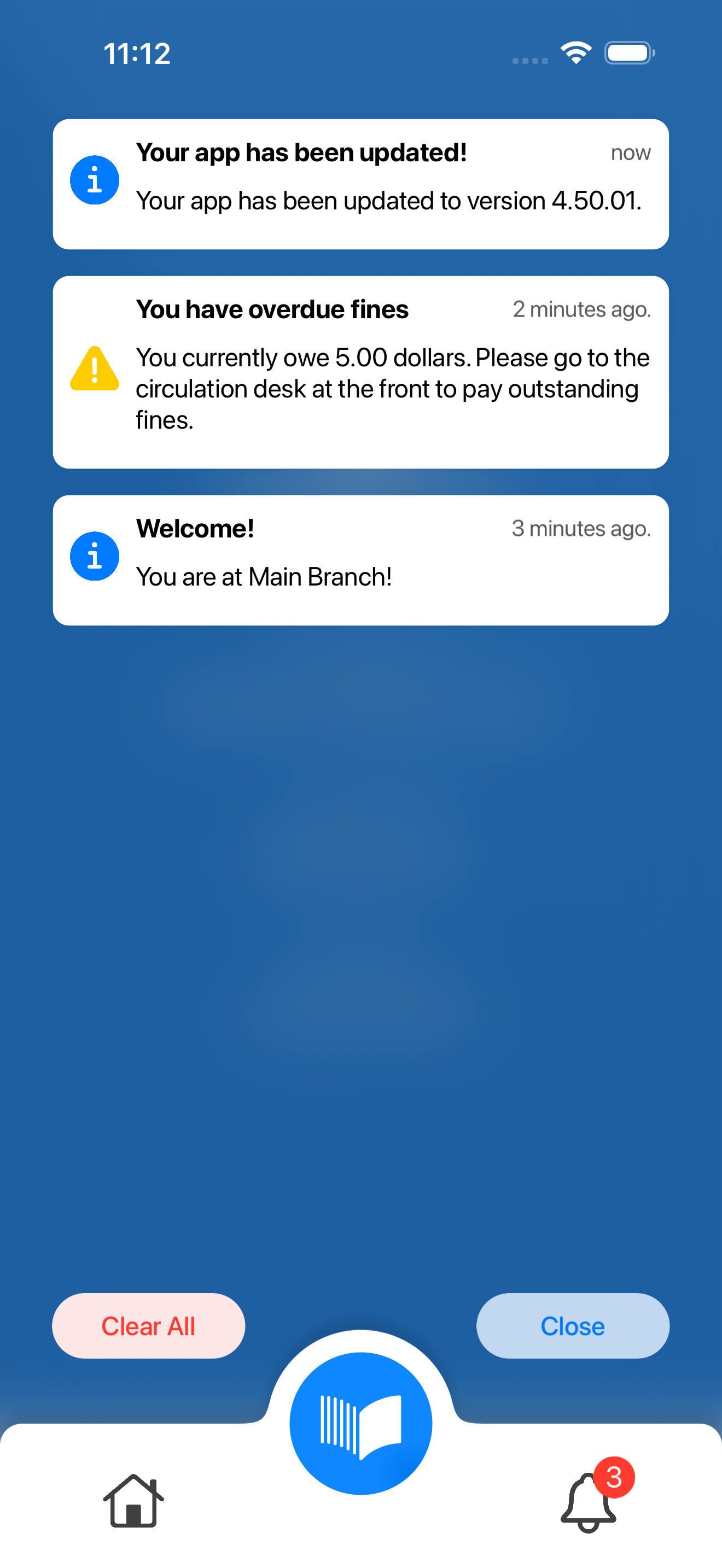
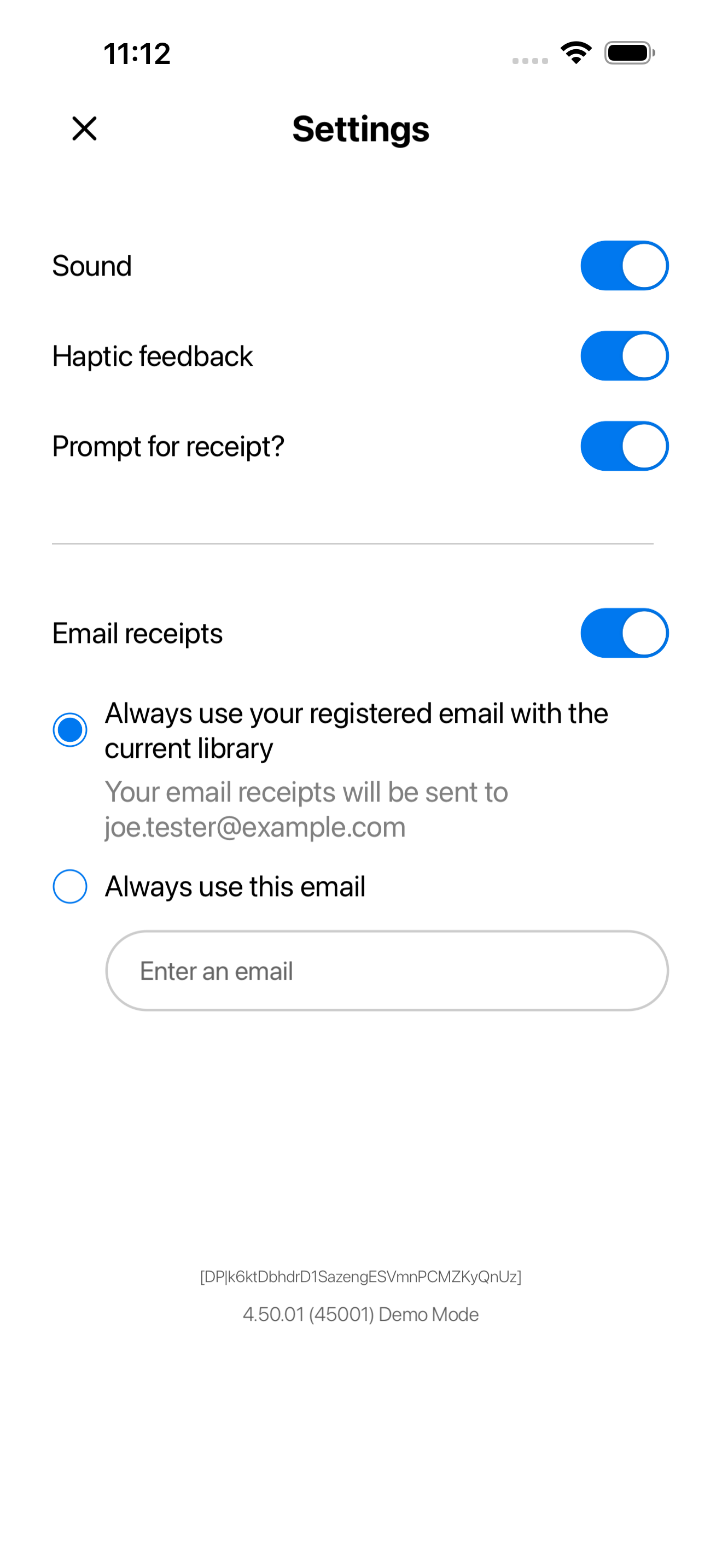
Modern user interface

By listening closely to librarians and patrons, we continuously refine our platform to meet the real-world needs of modern libraries. Today marks another meaningful step forward in our path towards innovation.

The new Meescan experience features an elevated user interface and improved workflows, delivering a more modern and intuitive self-checkout solution for your patrons.

Thoughtfully redesigned

From the way patrons navigate the checkout process to the flexibility staff need behind the scenes, every detail has been thoughtfully considered. 

While the look and feel have evolved, everything you rely on today remains fully intact. The new Meescan offers greater flexibility on top of our existing foundation, paving the way for future enhancements, expanded capabilities, and the kind of ongoing innovation your library deserves.


FAQ: Do I need to update immediately?

Updating immediately on July 27th, 2026 is not necessary, but we encourage customers to update as soon as possible. The older version of Meescan will still continue to function after the launch date. However, It will no longer be the supported version, nor receive maintenance or functionality changes. The old version will no longer be available to download from the app store.

How to update Meescan after July 27, 2026

Scan this qr code after July 27, 2026 to update Meescan manually in the app store. Please note that it may take longer than a day for the app store to make the new version available. So, if the update is unavailable in the app store, check back again in a few days and update again. If you still have trouble updating your app please contact support@meescan.com

When you update:

Stop Beta testing

If you are currently testing the beta app, please go to the Testflight app and "Stop Testing". Or leave the beta testing group in Google Play if using an Android device. See FAQs for more details.

Exit Guided Access Mode

Guided access mode will prevent automatic updates. You may need to exit the app and update manually from the app store.

Automatic updates

Your app should automatically update if Automatic Updates are enabled on your mobile device. If it does not update right away, please update manually from the app store.

Mobile Device Management

If your kiosk is managed by an MDM (Mobile Device Management), ensure your kiosk is updated after July 27, 2026 through the MDM.

What are my next steps?

May 12, 2026

Test flight

The beta version of the new Meescan app experience is available today!

Click HERE to download it on your phone or kiosk device to try it out.

 
This is your chance to explore and learn what the new app has to offer before it reaches your patrons. Try it out, ask us questions, and let us know what you think. For more information to get started, use this QUICK START GUIDE.
May 12, 2026
July 1, 2026

Prepare for takeoff

 Once you’ve downloaded the beta, please review your app’s configurations, functionality, and visuals. All settings should carry over from the previous version, with no changes to core functionality. For custom-branded apps, brand colours and assets have been applied to the new UI.

If you notice any inconsistencies, please contact us by July 1, 2026 at the latest so we can make any necessary updates before launch.

July 1, 2026
July 20, 2026

Nail the landing

On July 20, 2026, the new Meescan app will officially go live for all Meescan users, patrons, and libraries. Please be prepared for Meescan to be updated and replaced with the new version. If your device is in Guided access mode or if it does not update right away, you may need to manually update your app from the app store. The older version will no longer be supported.​

July 20, 2026

Resources

Quick start guide

Detailed instructions to help you get started

Contact us

Support@meescan.com

Frequently Asked Questions

Steps on updating to the new app will depend on a few factors:
 
If you have the current Meescan app on your mobile device and NOT beta app, ensure automatic updates are enabled. On July 27, 2026, simply reloading the app will start its updating process. However, if automatic updates is not enabled, or the app does not update right away, find Meescan or your custom app in the app store and update manually.
 
On your kiosk, you may have the app in Guided Access mode, which will prevent automatic updates. Exit Guided Access mode, then manually update your app from the app store.
 
Apps managed by an MDM (Mobile Device Management system) will prompt you to update the app.
 
If you are currently using the Beta app, tap Stop Testing on the Testflight app (iOS) or leave the beta testing group on Android devices. Then, manually download the app from the app store.

After July 27, 2026, the old interface will no longer be supported, but it will continue to function, even if you cannot update on the day of launch. The old version will no longer be available to download from the app store. We encourage customers to update as soon as possible.

It may take some time after our launch date for the new version to be updated in the app store. Check back after a few days and try updating again.

Yes. All functionalities will be available, and your previous configurations will transfer over to the new update. If you find something missing please let us know @ support@meescan.com.

If automatic updates are not enabled on your mobile device, you will have to update manually after July 27. If your kiosk is in Guided Access mode, it might prevent automatic updates and you may have to manually update as well. It may take up to 24 hours for the updated app to release. We strongly recommend you update the app as soon as possible thereafter.

If you encounter an issue, please fill out the feedback form on this page with as much detail as possible. Alternatively, you can send an email to support@meescan.com and our team will get back to you shortly.

We'd love to get your feedback.

Please tell us about your experience with the new Meescan.