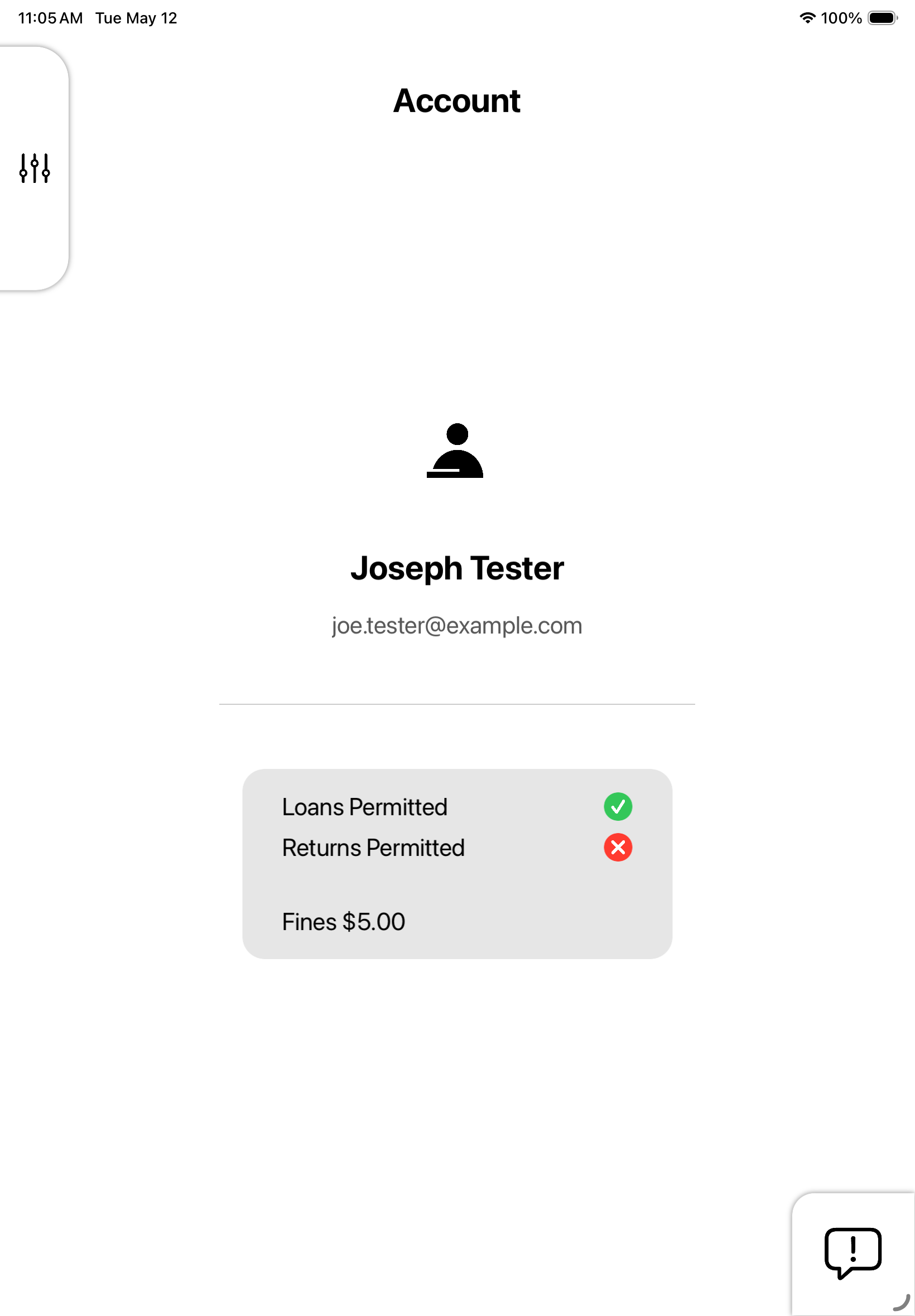
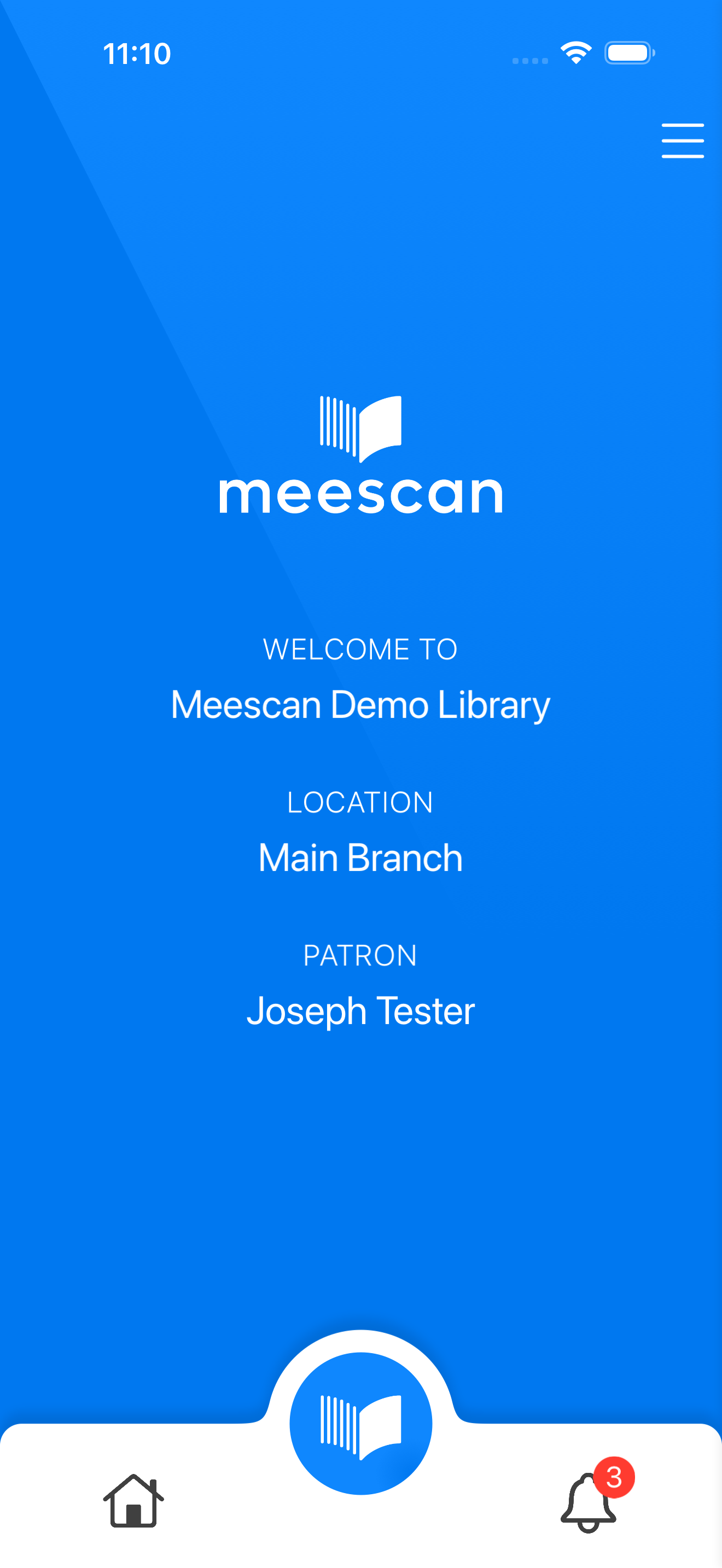
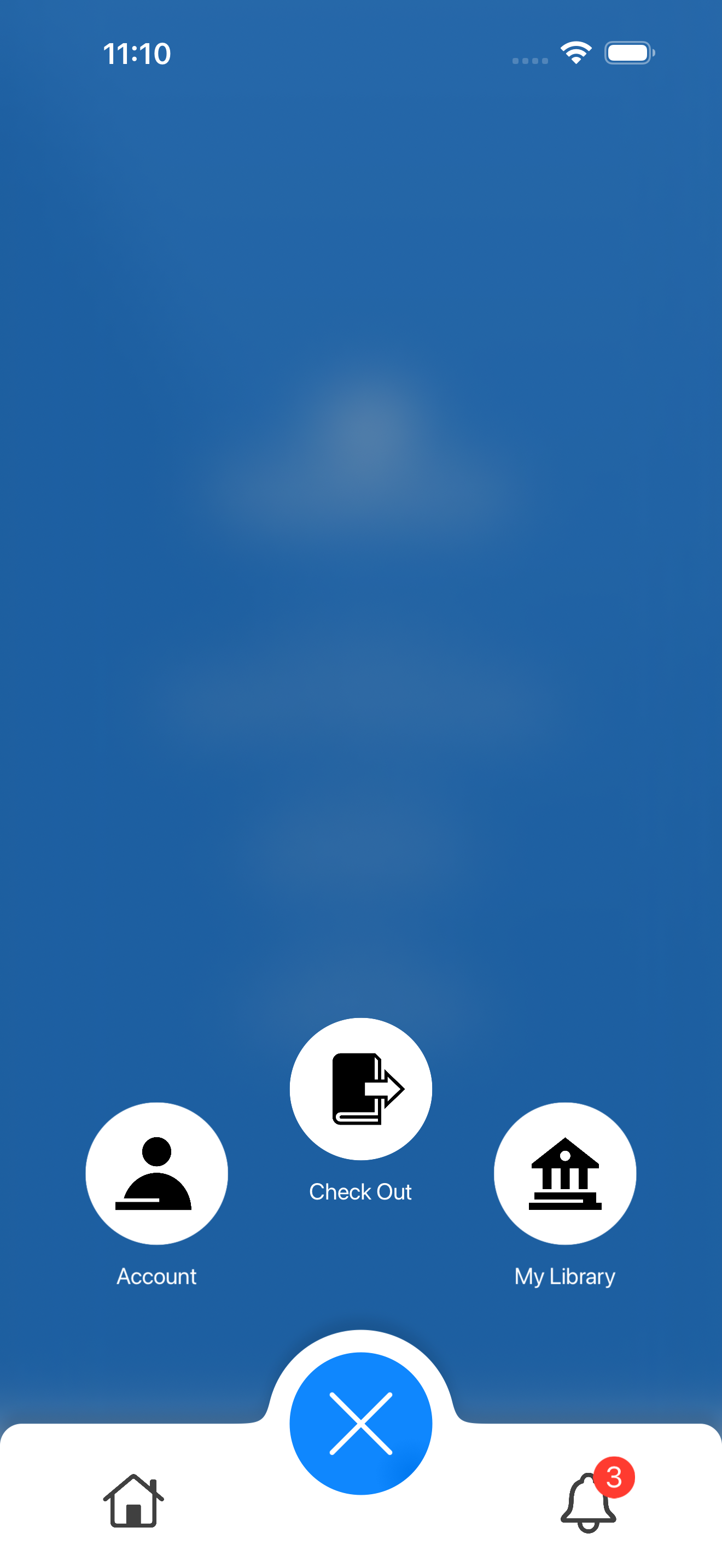
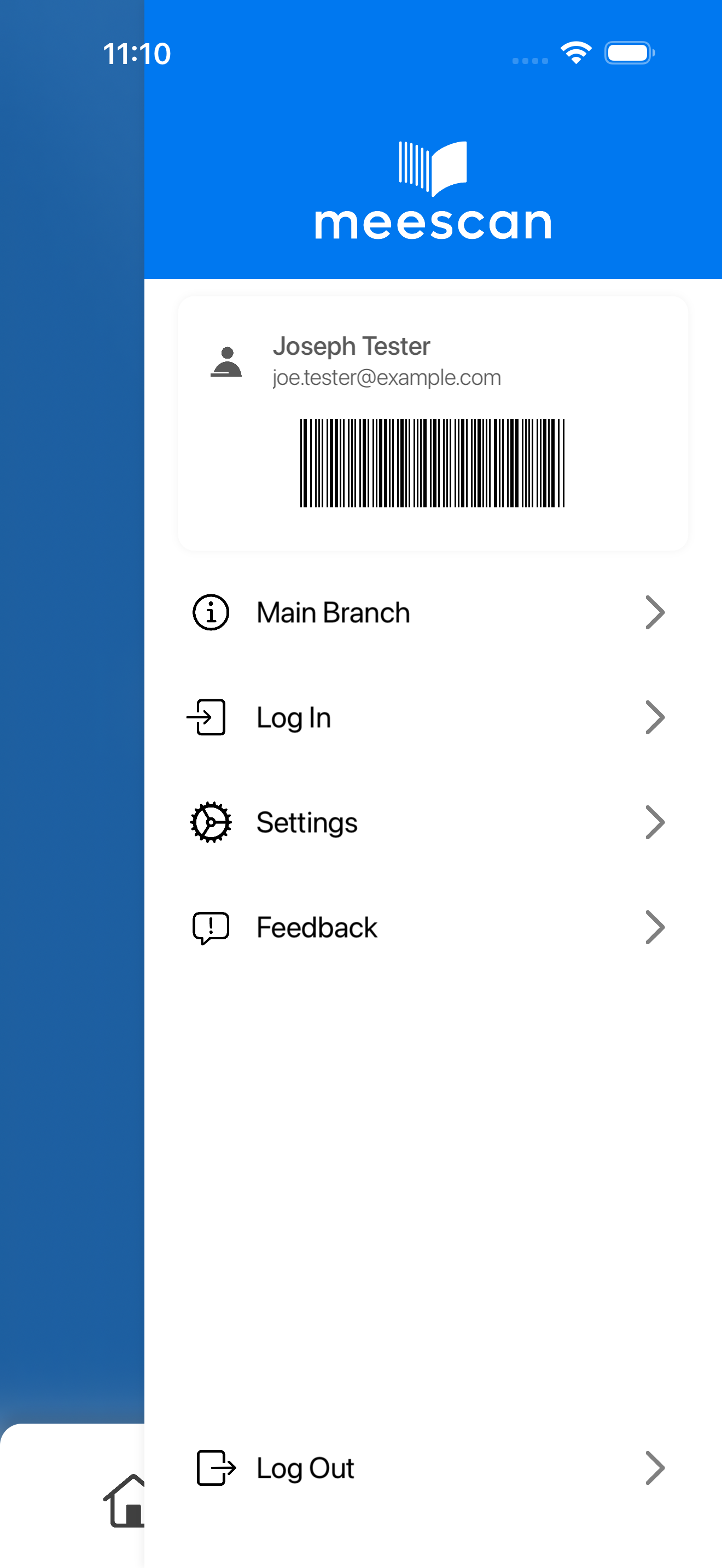
Welcome to a brand new
Meescan experience.

KIOSK
MOBILE

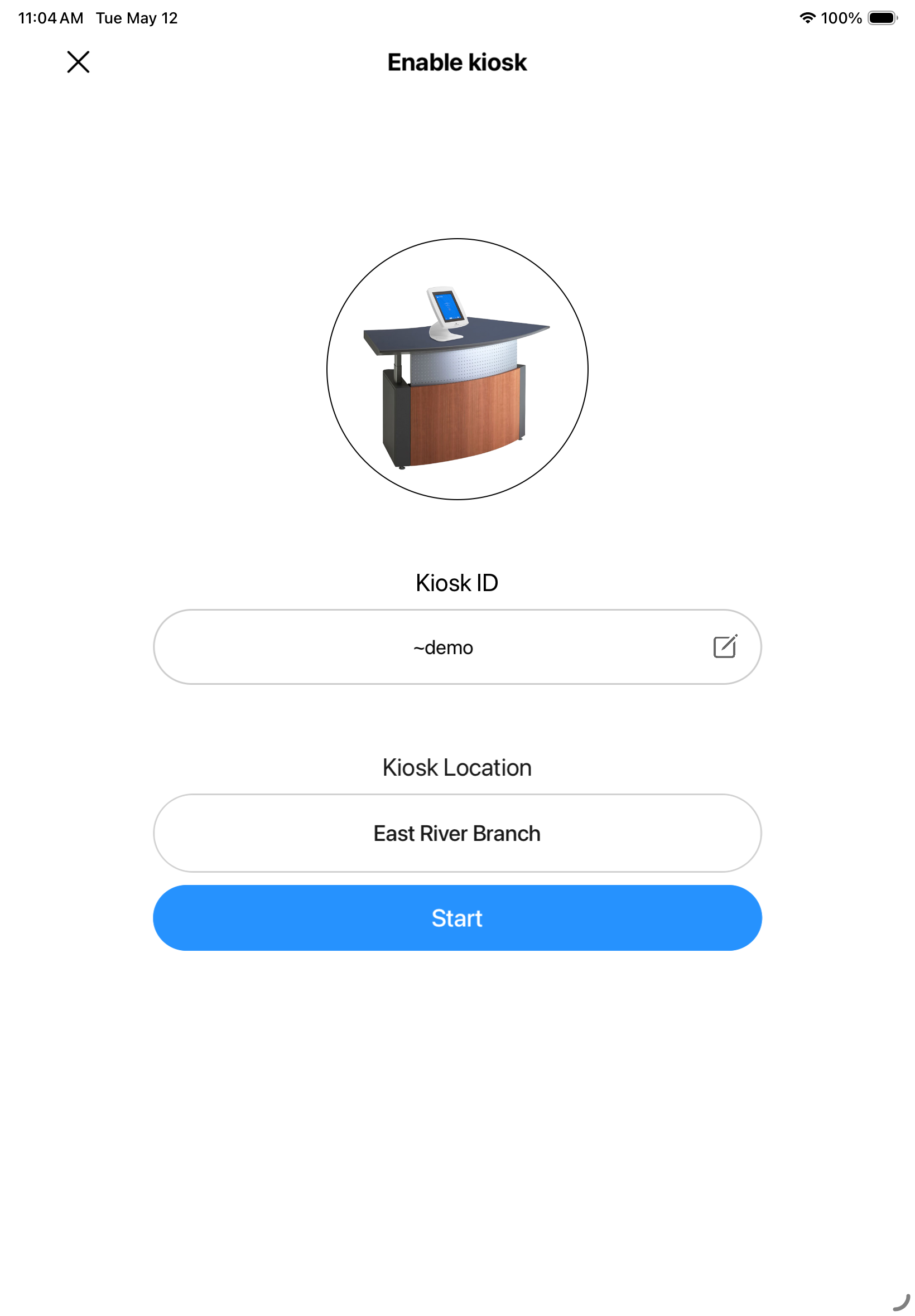
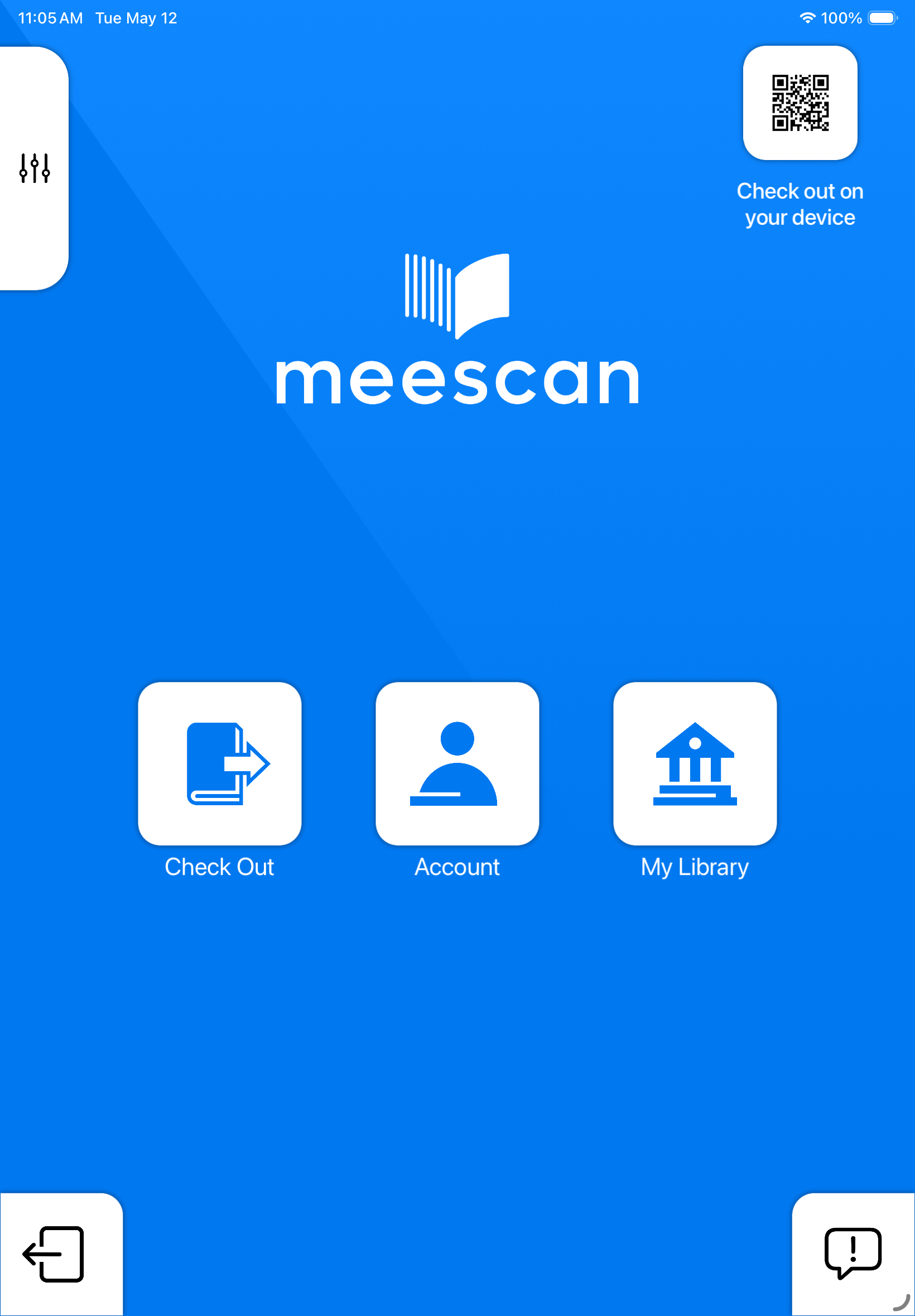
Screenshot 1
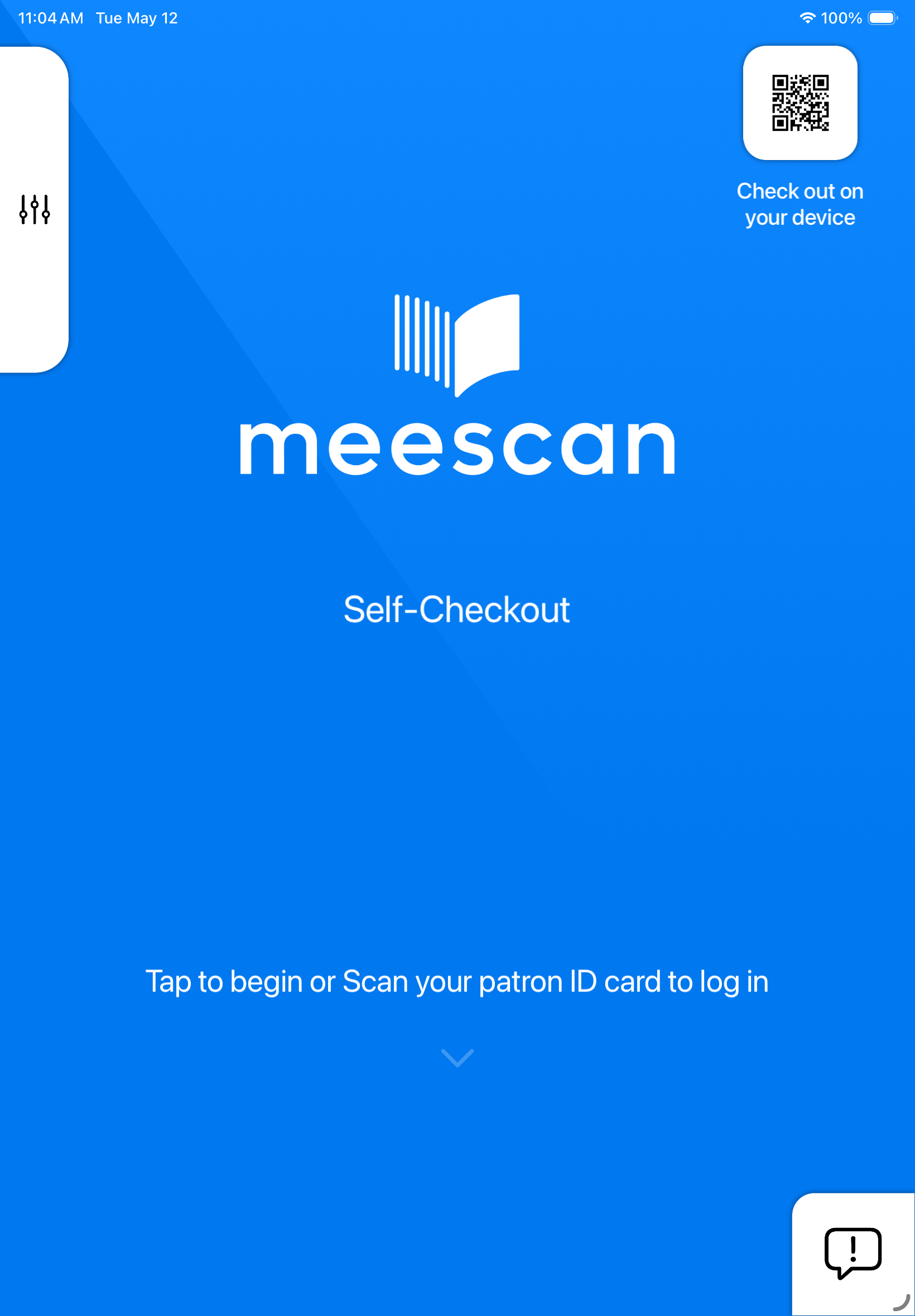
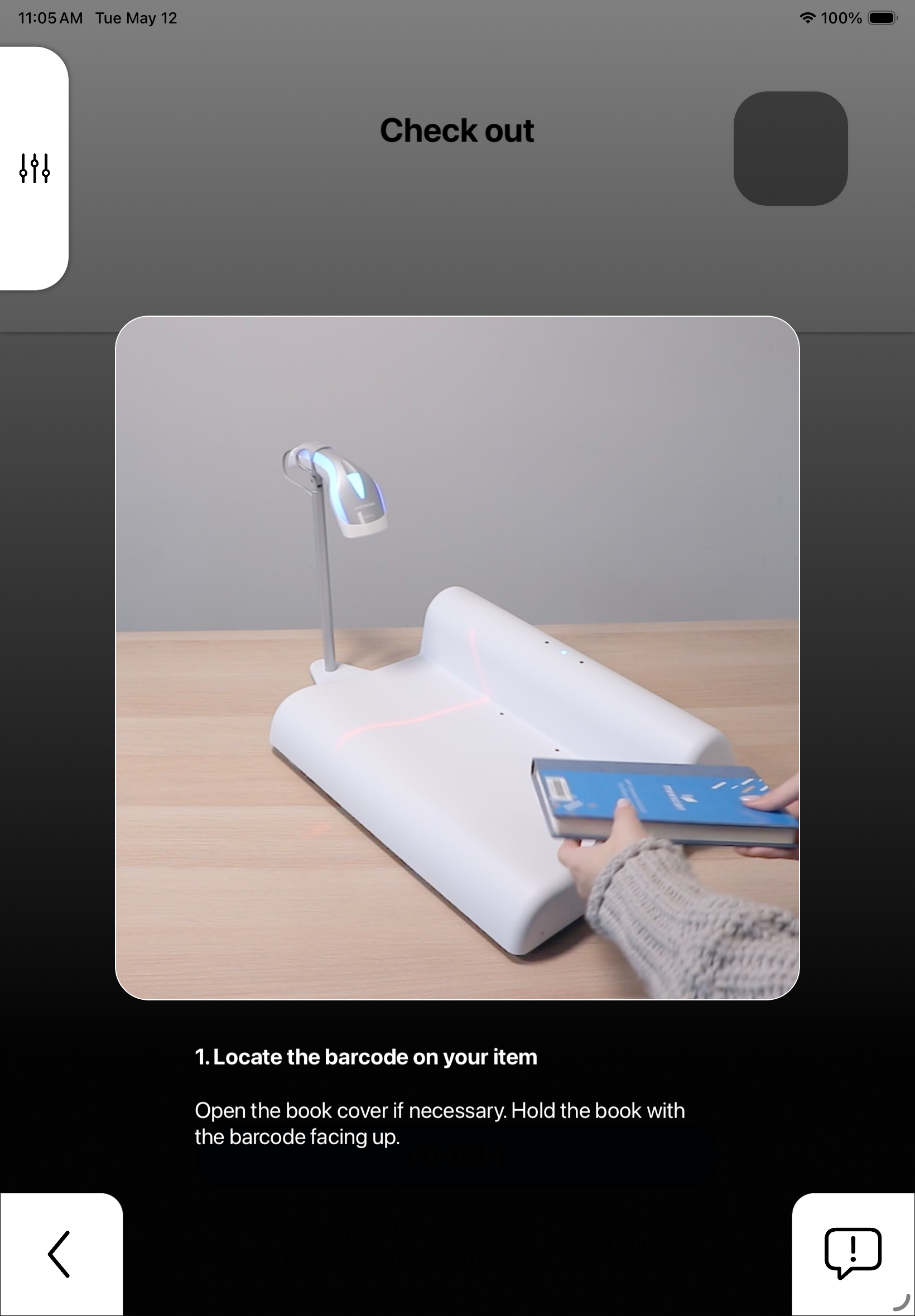
Screenshot 2
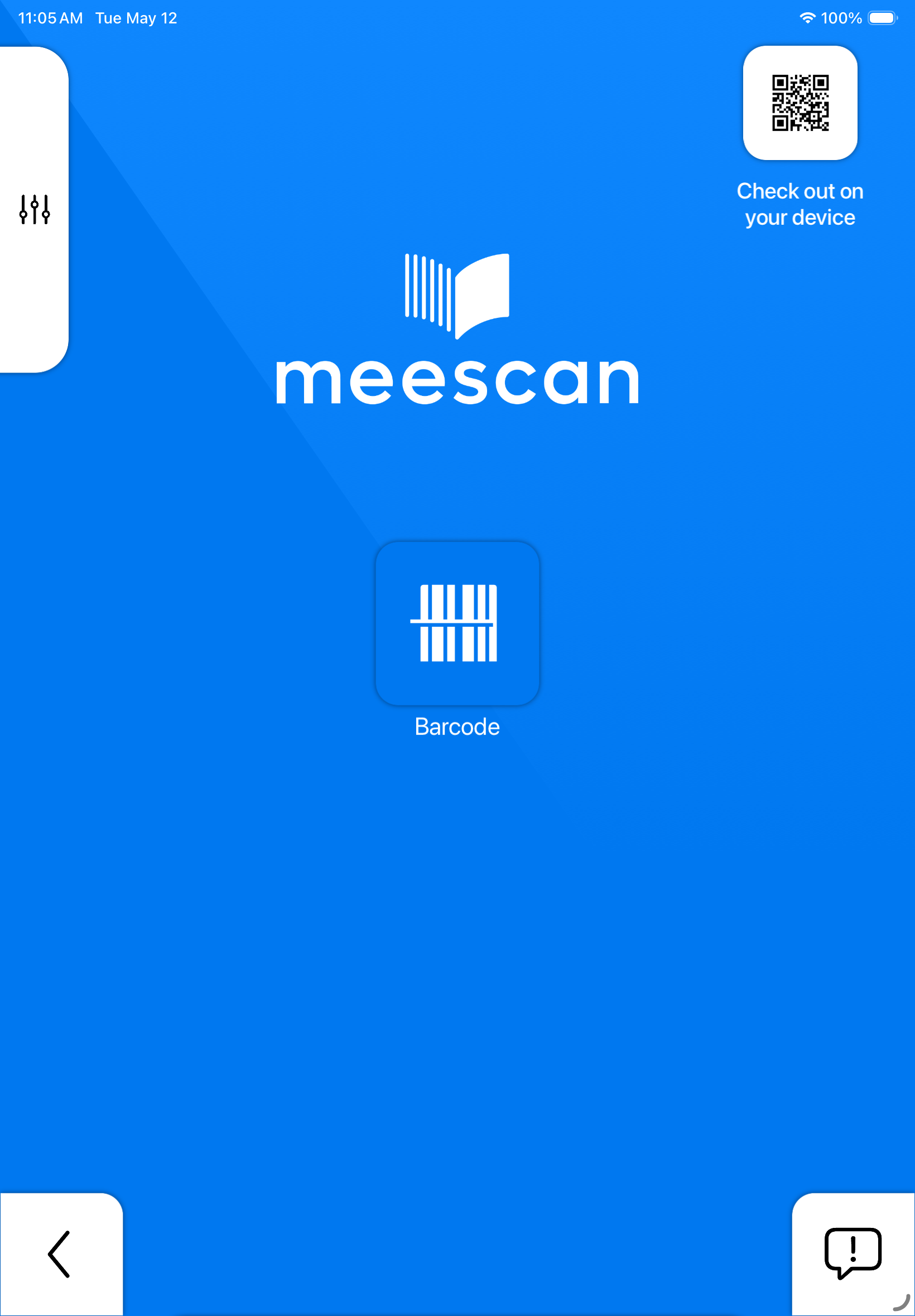
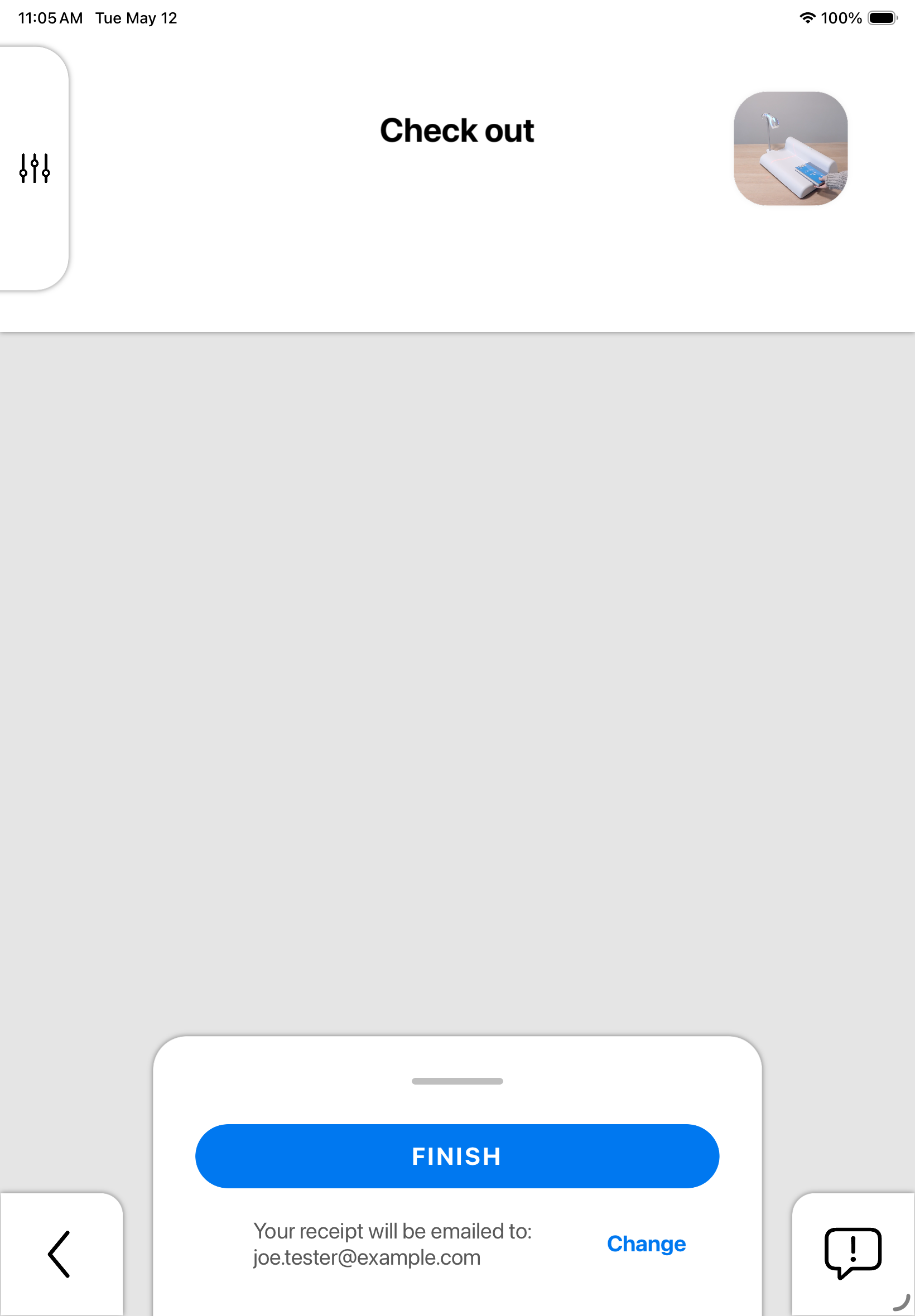
Screenshot 3
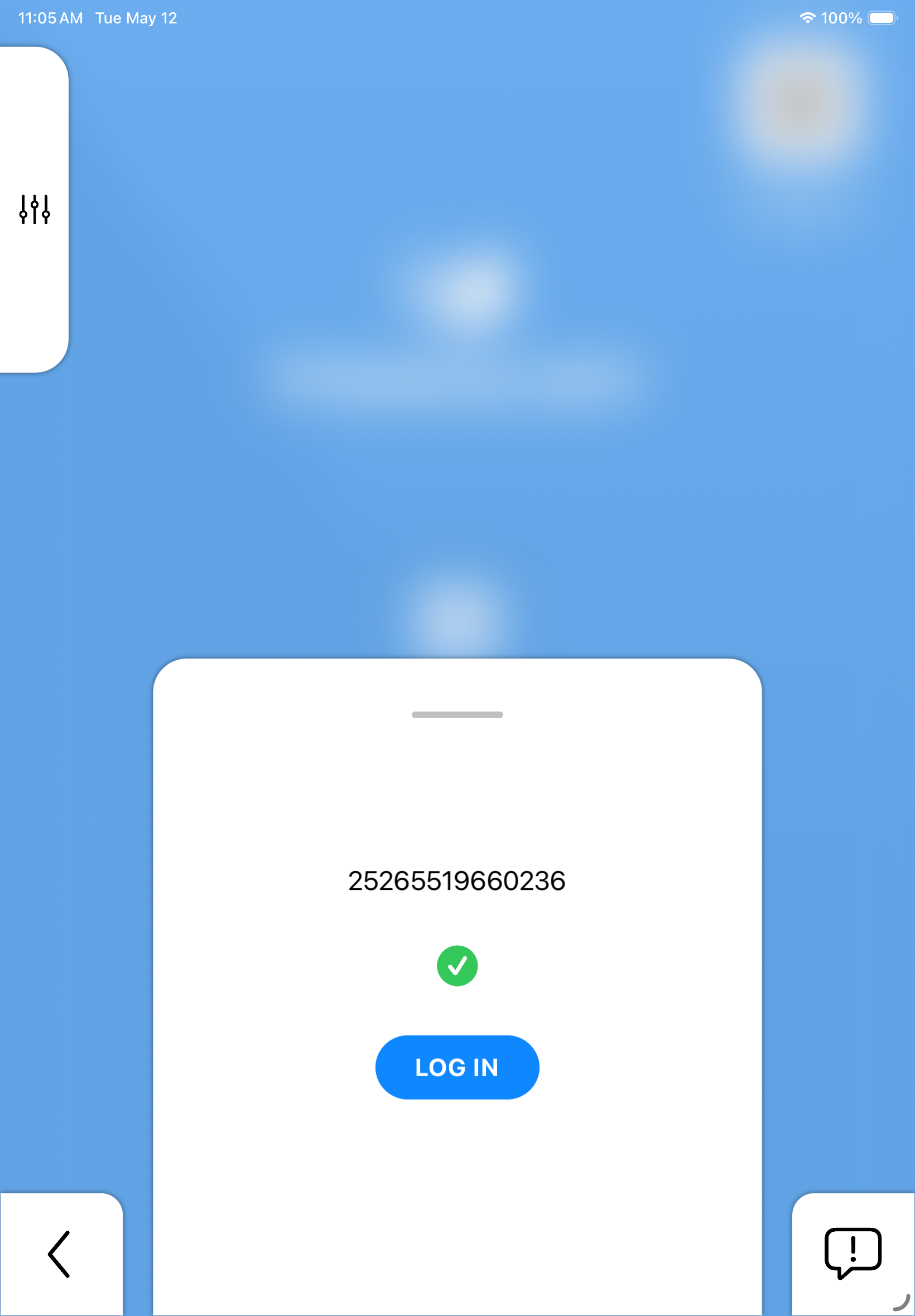
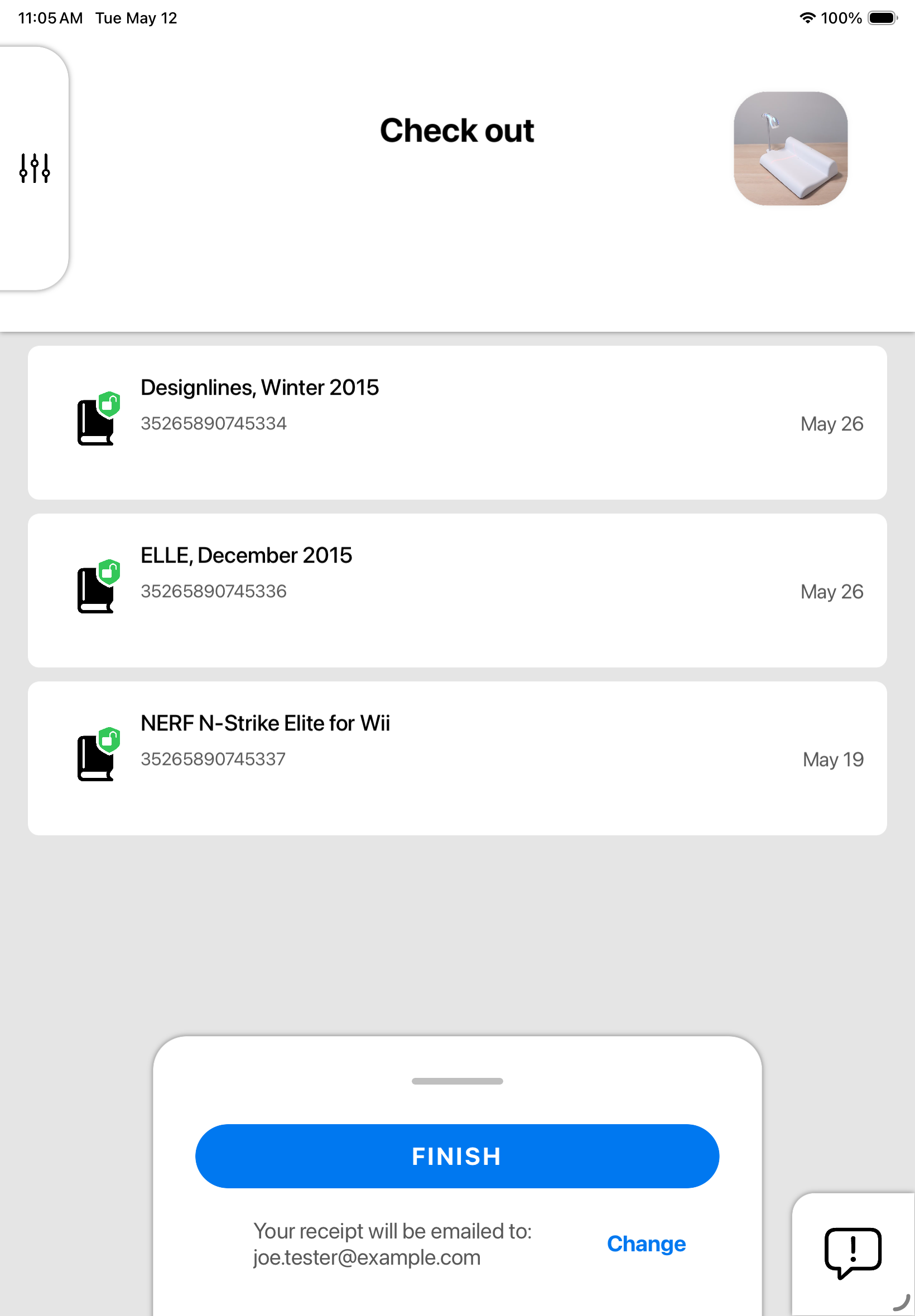
Screenshot 4
Screenshot 5
Screenshot 6
Screenshot 7
Screenshot 8
Screenshot 9

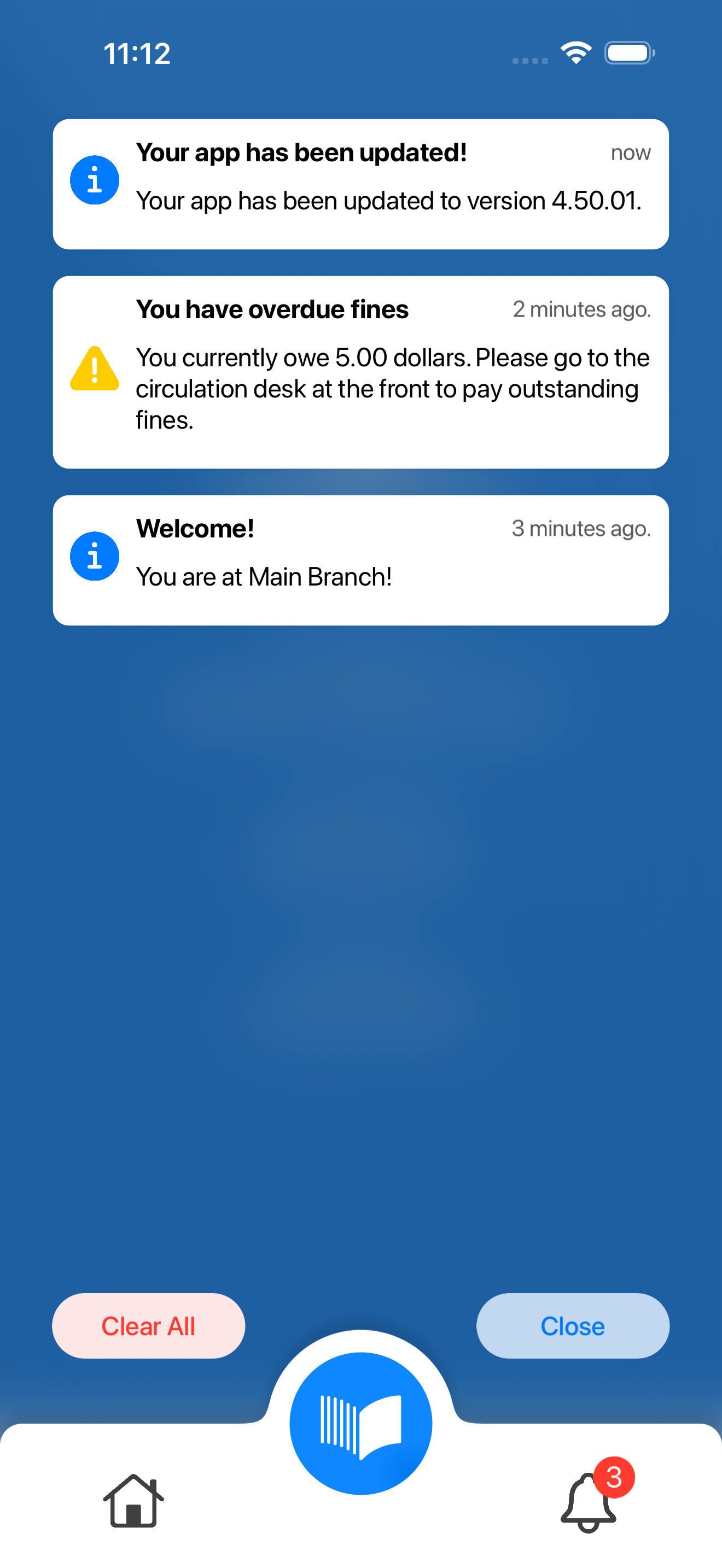
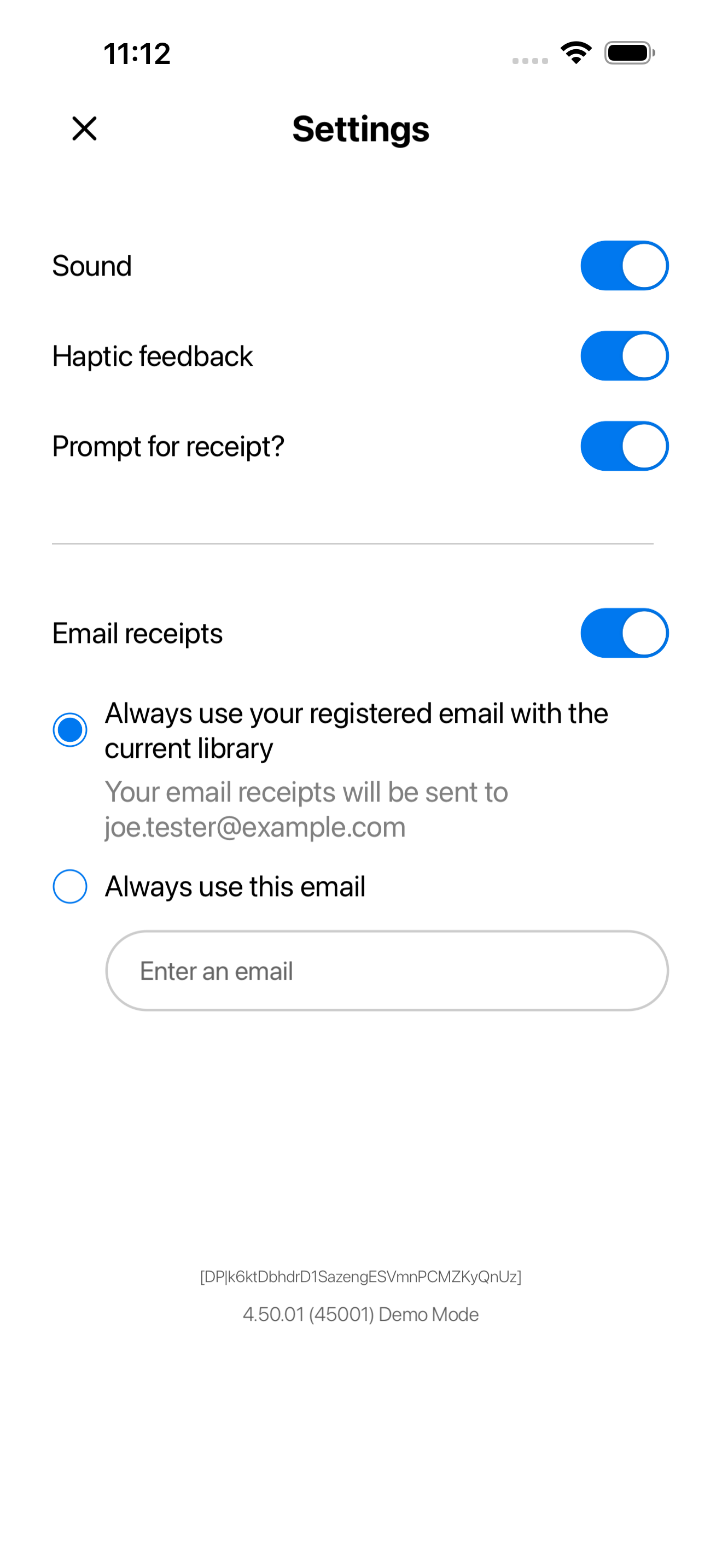
Screenshot 1
Screenshot 2
Screenshot 3
Screenshot 4
Screenshot 5
Screenshot 6
Screenshot 7
Screenshot 8
Screenshot 9

Officially launching on July 20, 2026

Modern user interface

By listening closely to librarians and patrons, we continuously refine our platform to meet the real-world needs of modern libraries. Today marks another meaningful step forward in our path towards innovation.

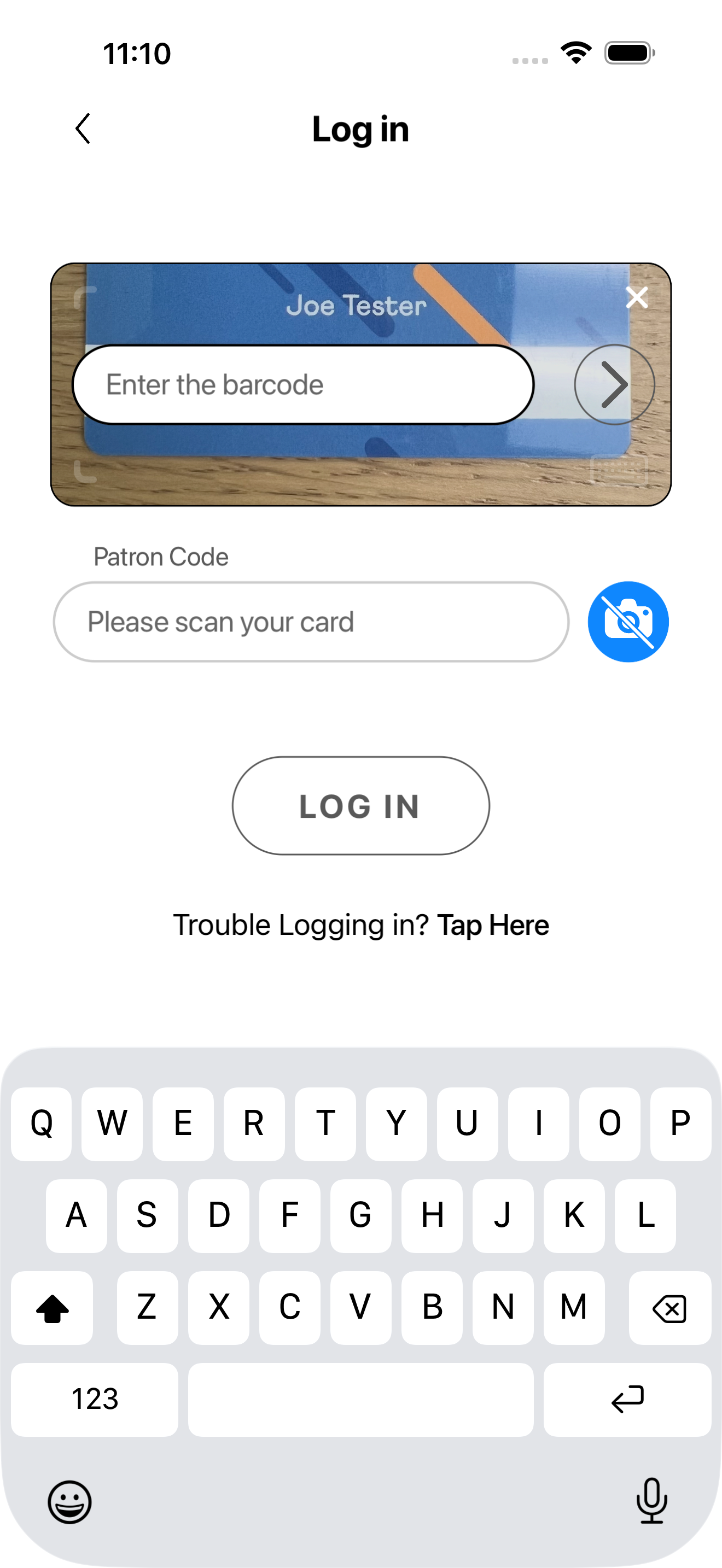
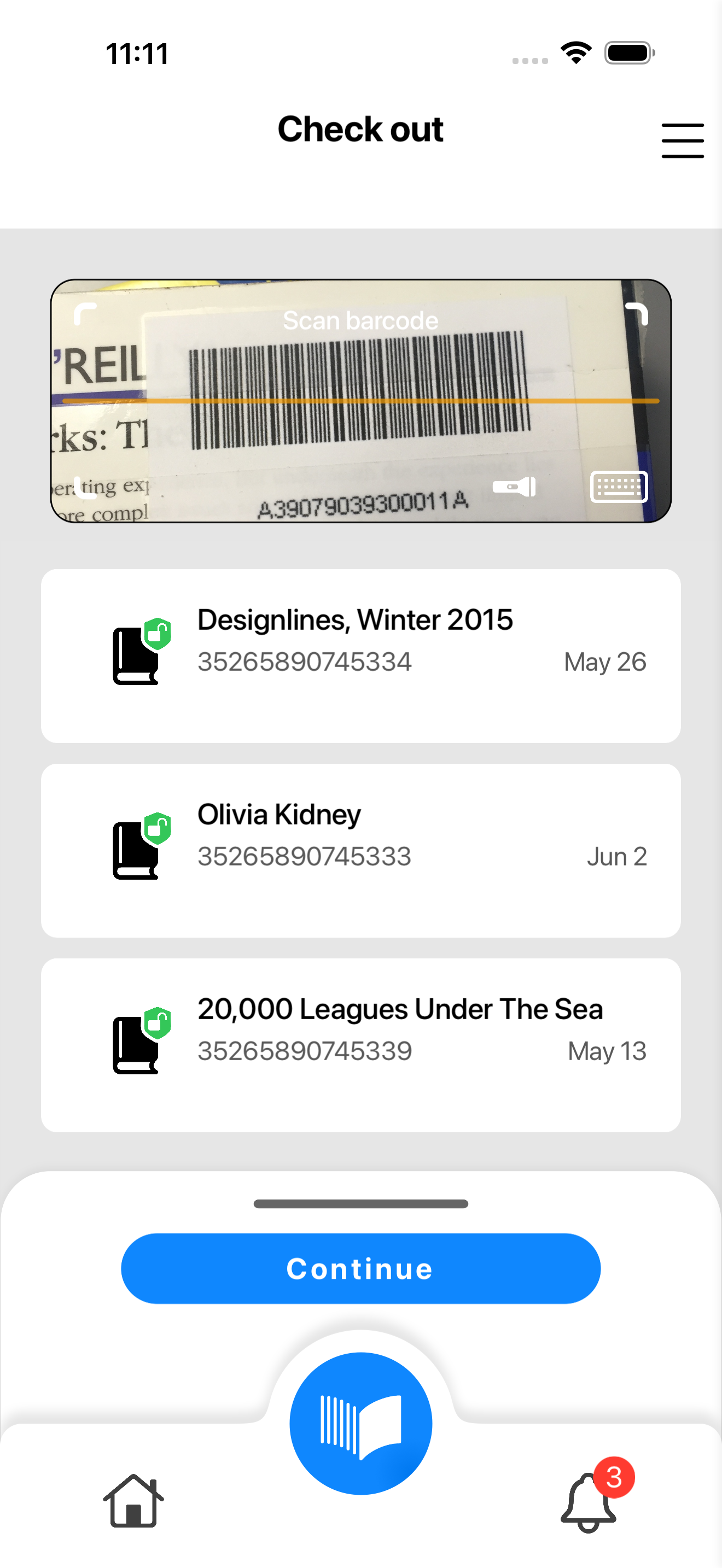
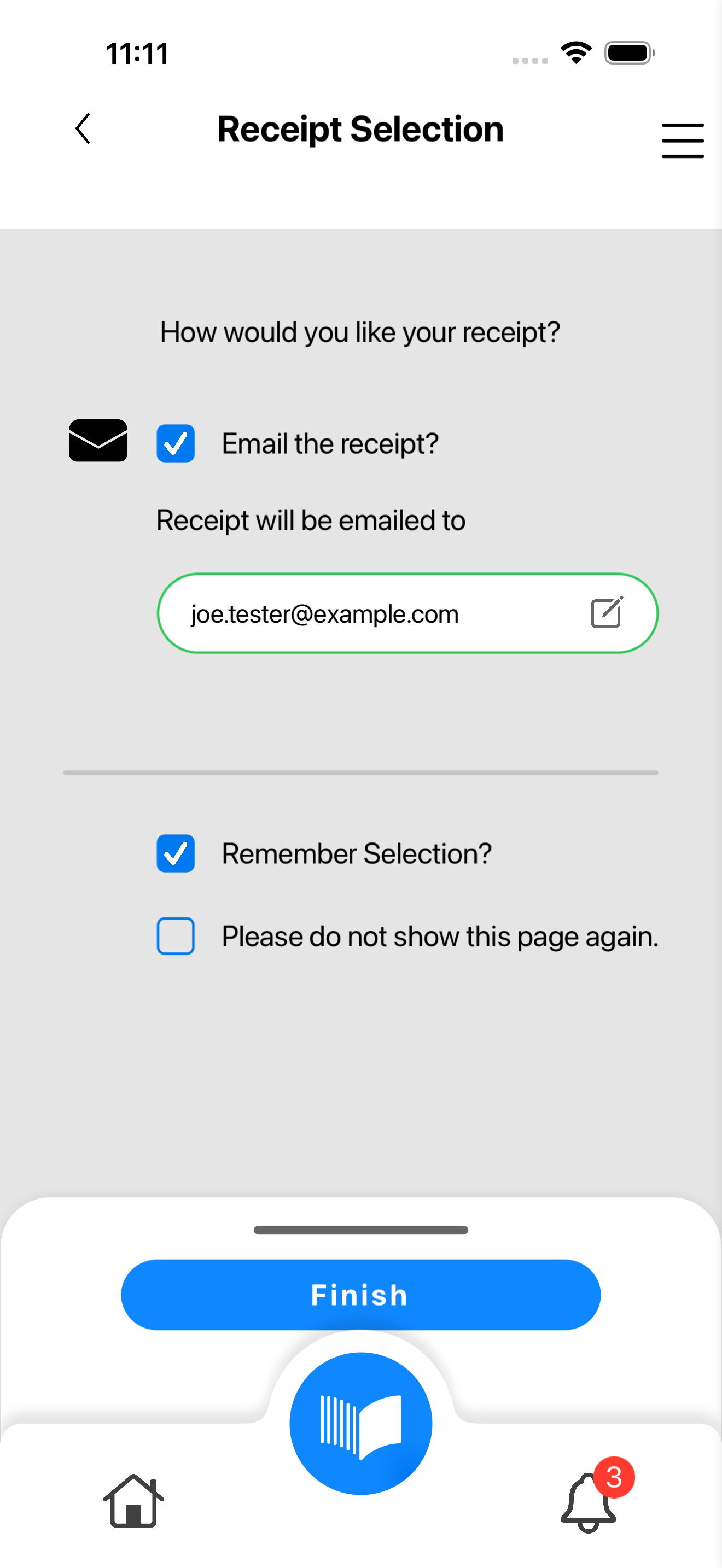
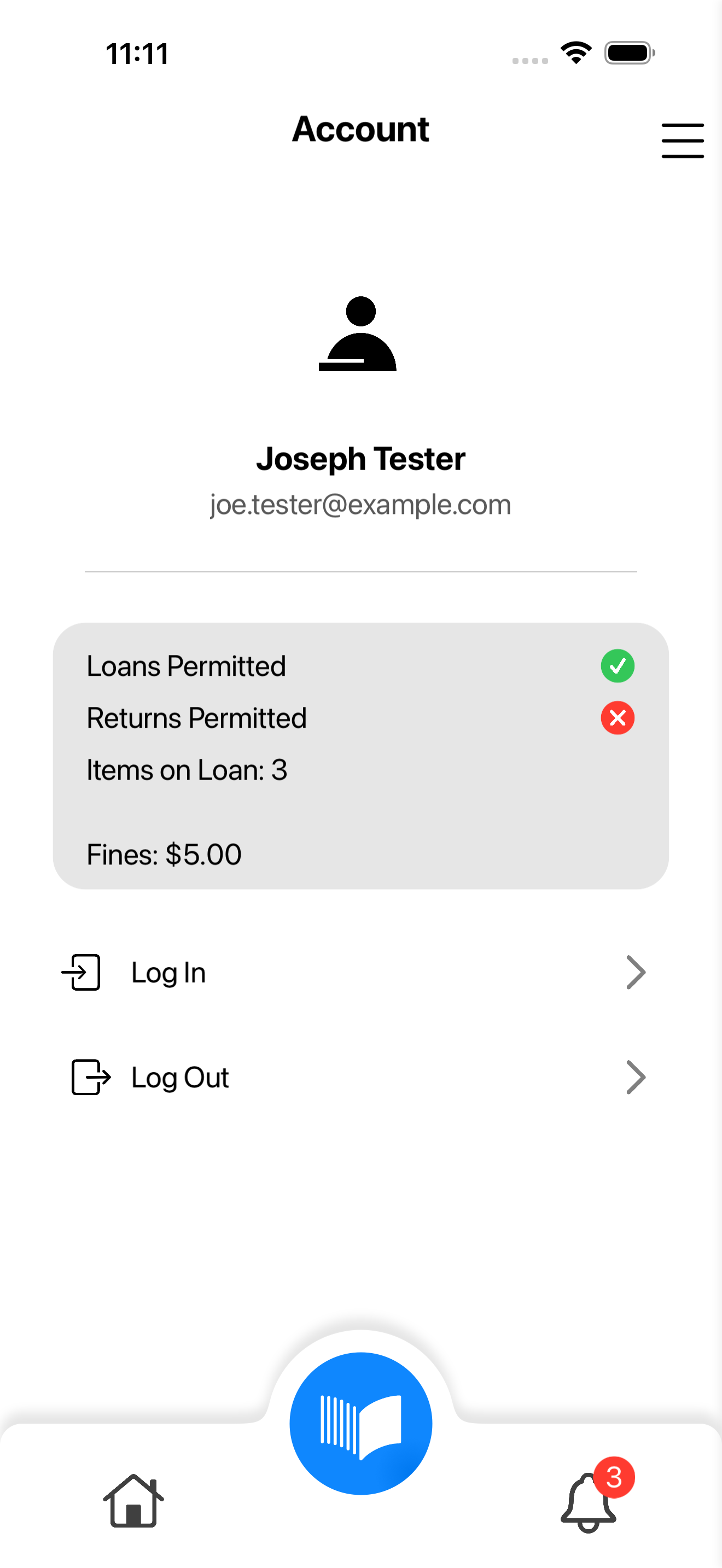
The new Meescan experience features an elevated user interface and improved workflows, delivering a more modern and intuitive self-checkout solution for your patrons.

Thoughtfully redesigned

From the way patrons navigate the checkout process to the flexibility staff need behind the scenes, every detail has been thoughtfully considered. 

While the look and feel have evolved, everything you rely on today remains fully intact. The new Meescan offers greater flexibility on top of our existing foundation, paving the way for future enhancements, expanded capabilities, and the kind of ongoing innovation your library deserves.


Try the Meescan beta

Meescan Customer’s custom branded app has been carefully converted and integrated into the new user interface. The screenshots on this page are a preview of how it will appear on the kiosk and mobile devices but are for demo purposes only and may not be 100% accurate.

For a closer look of your app, please download the beta version.  If you would like any adjustments or have questions, please reach out at support@meescan.com and let us know by the deadline July 1, 2026.

Try the Meescan beta

For a closer look of your app, please download the beta version.  If you have any questions or concerns, please reach out to us.

What are my next steps?

May 12, 2026

Test flight

The beta version of the new Meescan app experience is available today!

Click HERE to download it on your phone or kiosk device to try it out.

 
This is your chance to explore and learn what the new app has to offer before it reaches your patrons. Try it out, ask us questions, and let us know what you think. For more information to get started, use this QUICK START GUIDE.
May 12, 2026
July 1, 2026

Prepare for takeoff

 Once you’ve downloaded the beta, please review your app’s configurations, functionality, and visuals. All settings should carry over from the previous version, with no changes to core functionality. For custom-branded apps, brand colours and assets have been applied to the new UI.

If you notice any inconsistencies, please contact us by July 1, 2026 at the latest so we can make any necessary updates before launch.

July 1, 2026
July 20, 2026

Nail the landing

On July 20, 2026, the new Meescan app will officially go live for all Meescan users, patrons, and libraries. Please be prepared for your Meescan app to be automatically updated and replaced with the new version. If you do not have automatic updates enabled, please go to the app store to update your app manually as soon as possible. The older version will no longer be supported.​

July 20, 2026

Resources

Quick start guide

Detailed instructions to help you get started

Contact us

Support@meescan.com

Frequently Asked Questions

No, you do not need a password or code. Once you scan or tap on the QR code, it will take you to the app store. Read and follow the instructions to download.

No. When installing the beta, your mobile device will ask you if you would like to “replace the current app with the test app”. Select ‘install’ to download the beta. All of your current settings will migrate to the new app but it may ask you to sign in again. You can revert back to the current app by redownloading it from the app store – all of your settings will still be there waiting for you. The current app will be available until July 20, 2026.

You may continue to use the old interface only until July 20, 2026. After this date, it will no longer be supported.

Yes. All functionalities will be available, and your previous configurations will transfer over to the new update. If you find something missing in the beta, please let us know by July 1, 2026.

You do not need to install the new app separately. Simply enable automatic updates in your iOS settings. After July 20, 2026, your app will automatically update to the new interface, ready for you to use. It may take up to 24 hours after July 20 for the update to occur. 

If automatic updates are not enabled, you will have to update manually after July 20. It may take up to 24 hours for the updated app to release. We strongly recommend you update the app as soon as possible thereafter.

If you encounter an issue, please fill out the feedback form on this page with as much detail as possible. Alternatively, you can send an email to support@meescan.com and our team will get back to you shortly.

We'd love to get your feedback.

Please tell us about your experience with the new Meescan.